 Selected work, 2026
Designed to be remembered. Built to be chosen.
Custom websites for schools and local businesses. Our work so far: three school samples, three healthcare samples and our own.
Magnus
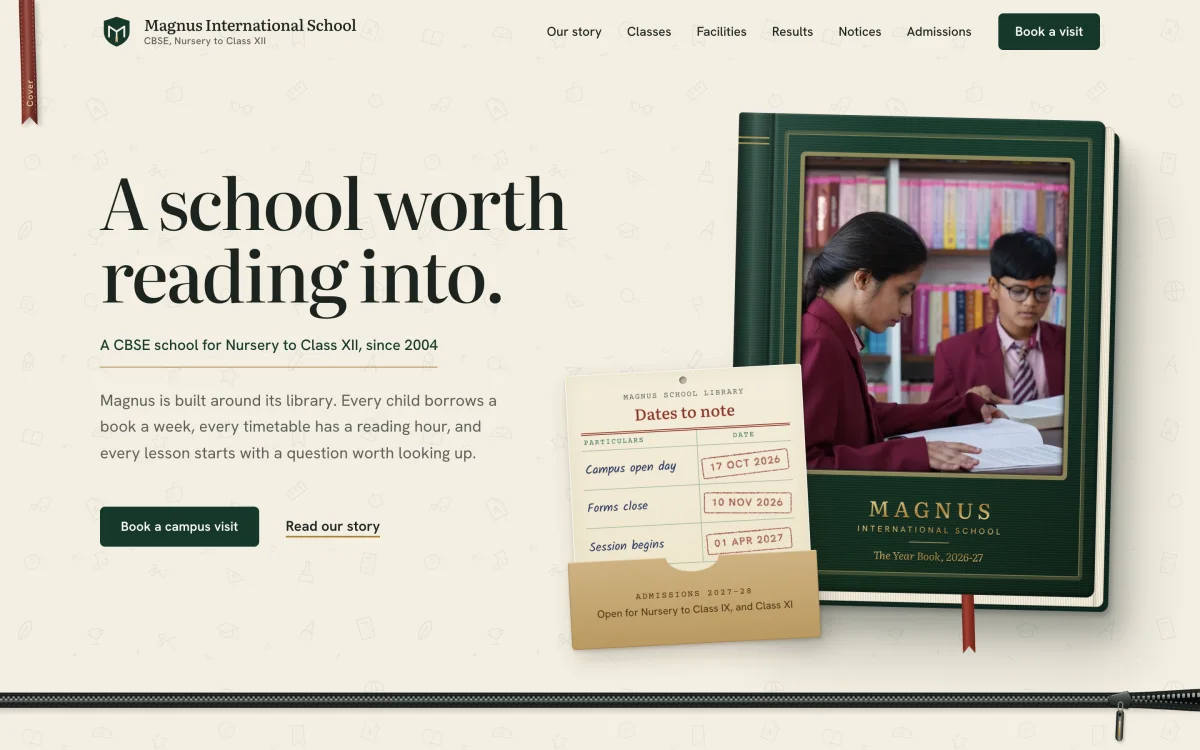
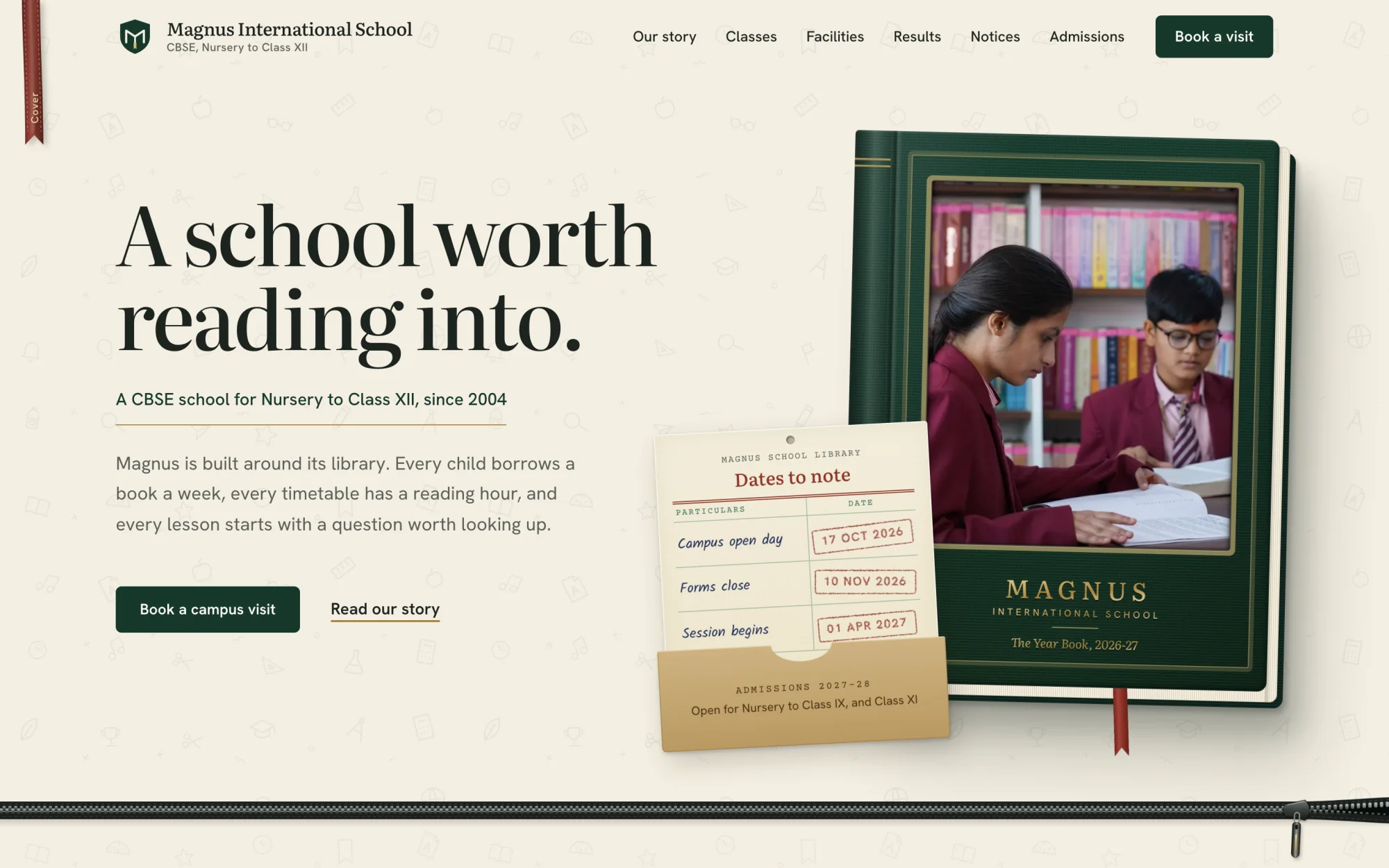
Magnus International School, a fictional CBSE school.
A school built around its library, so the whole site is told as a book: a hard-bound cover, a ribbon bookmark that follows the reader, and a chapter for every section.
- Built for
- Admission enquiries and campus visits
- Shown here
- 6 sections and the phone view
- Loads in
- 1.8 s on a slow phone, 0.5 s on a laptop
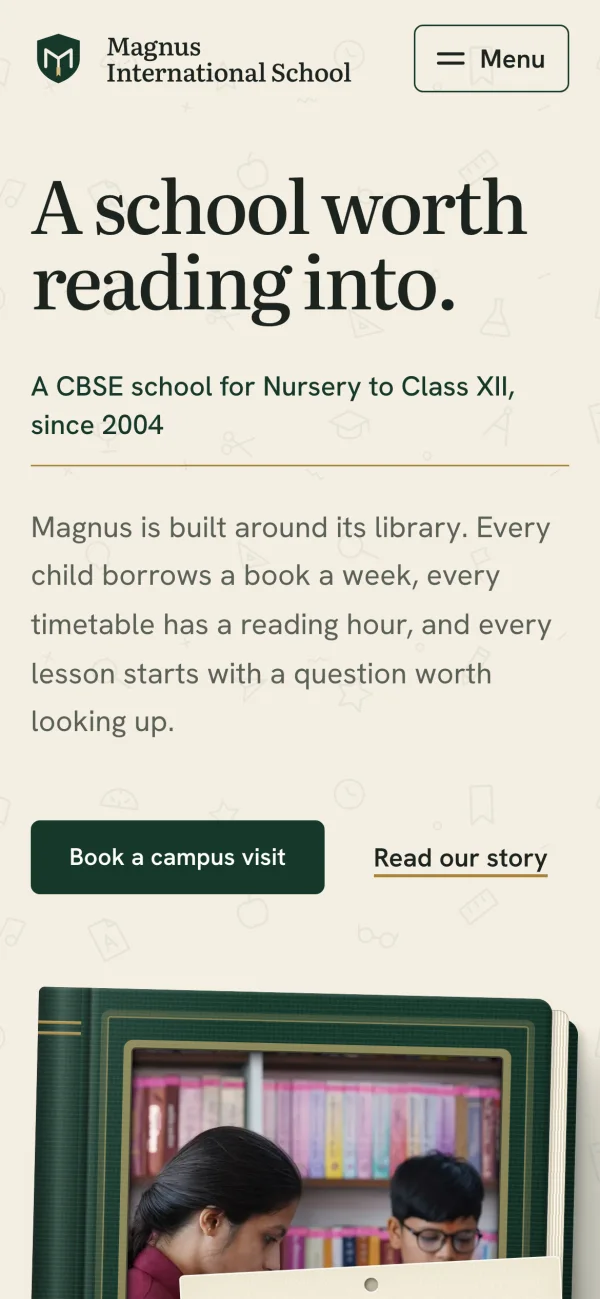
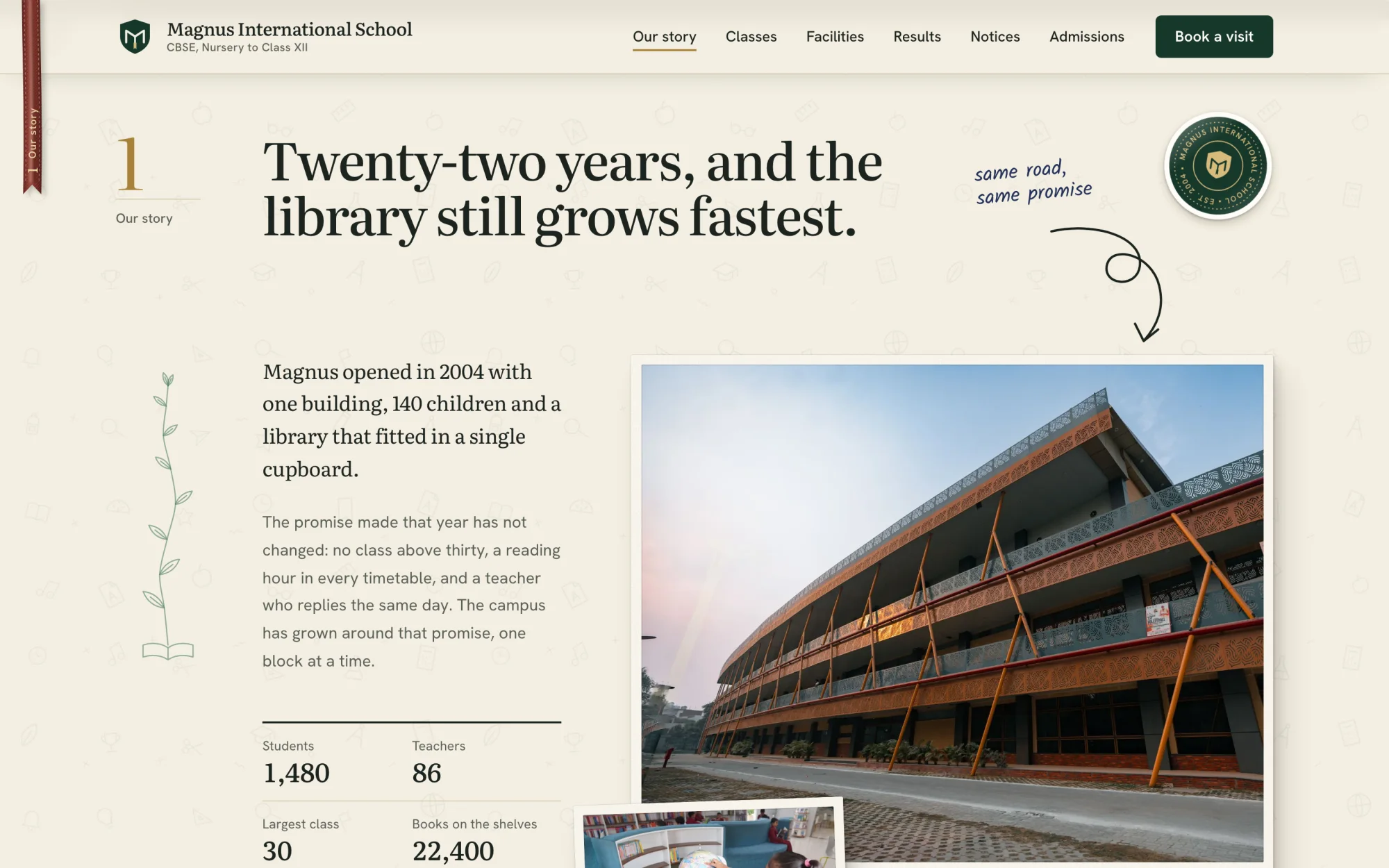
Our story
(Chapter opener)- Every section opens as a numbered chapter.
- History sits beside four plain figures.
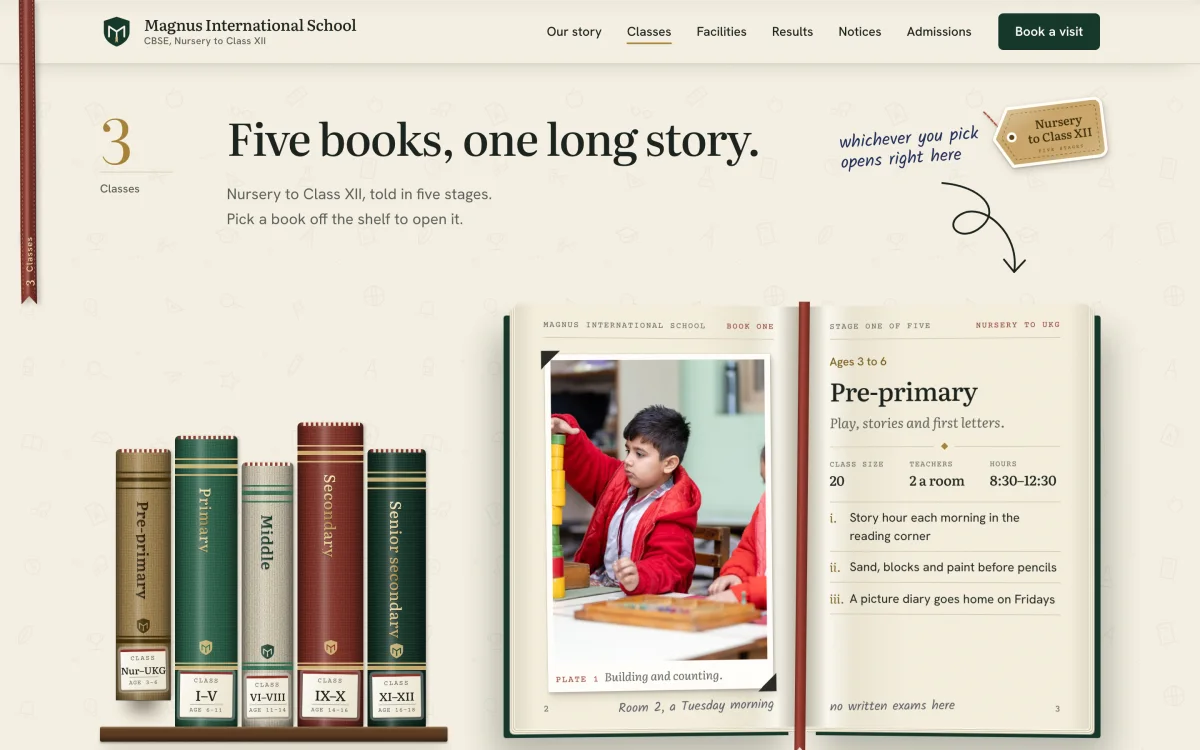
Classes
(Bookshelf you can open)- Five class stages stand as books on a shelf.
- Pick a book to open that stage’s details.
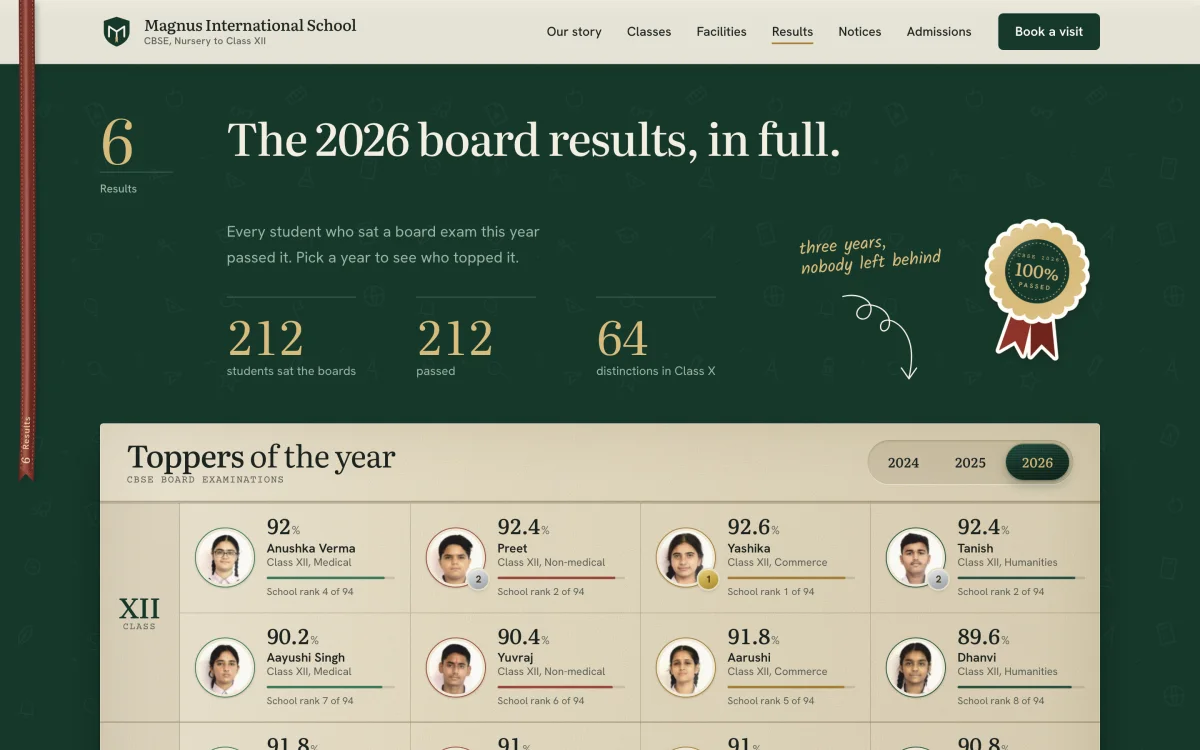
Results
(Results register)- Three totals, then every topper by rank.
- Tabs switch between the last three years.
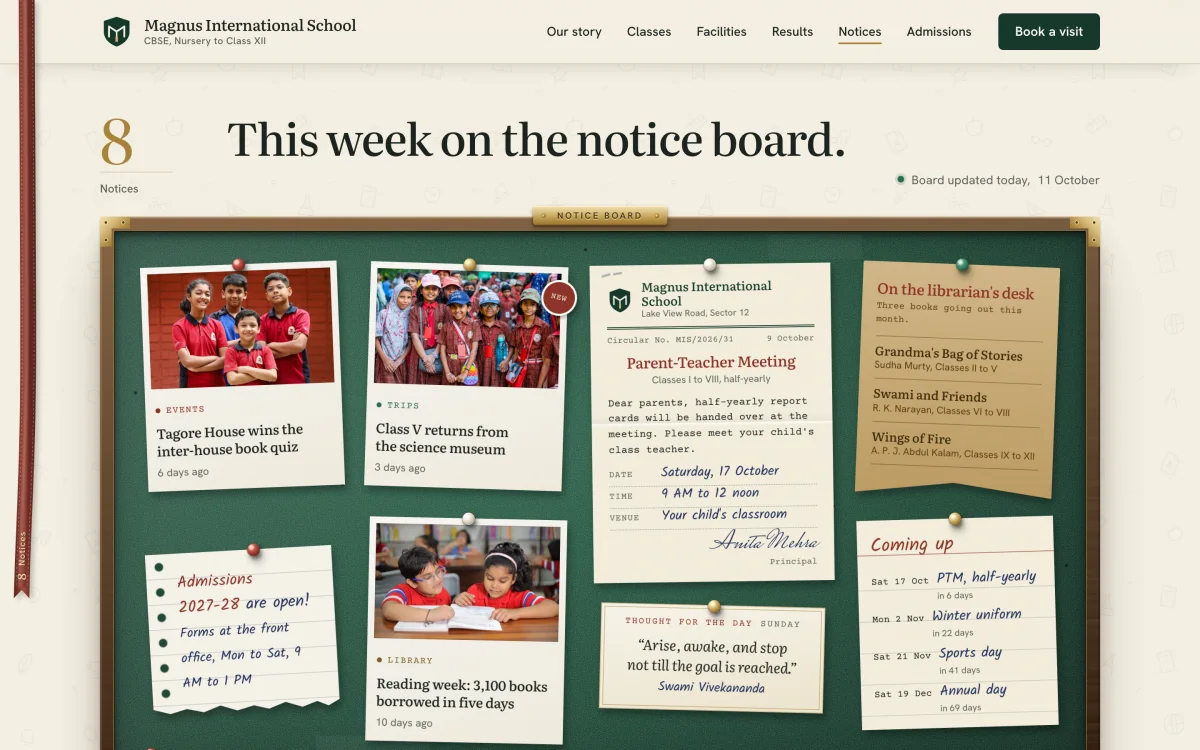
Notice board
(Pin-board)- Circulars and dates pinned up as paper notes.
- A list counts the days to each school event.
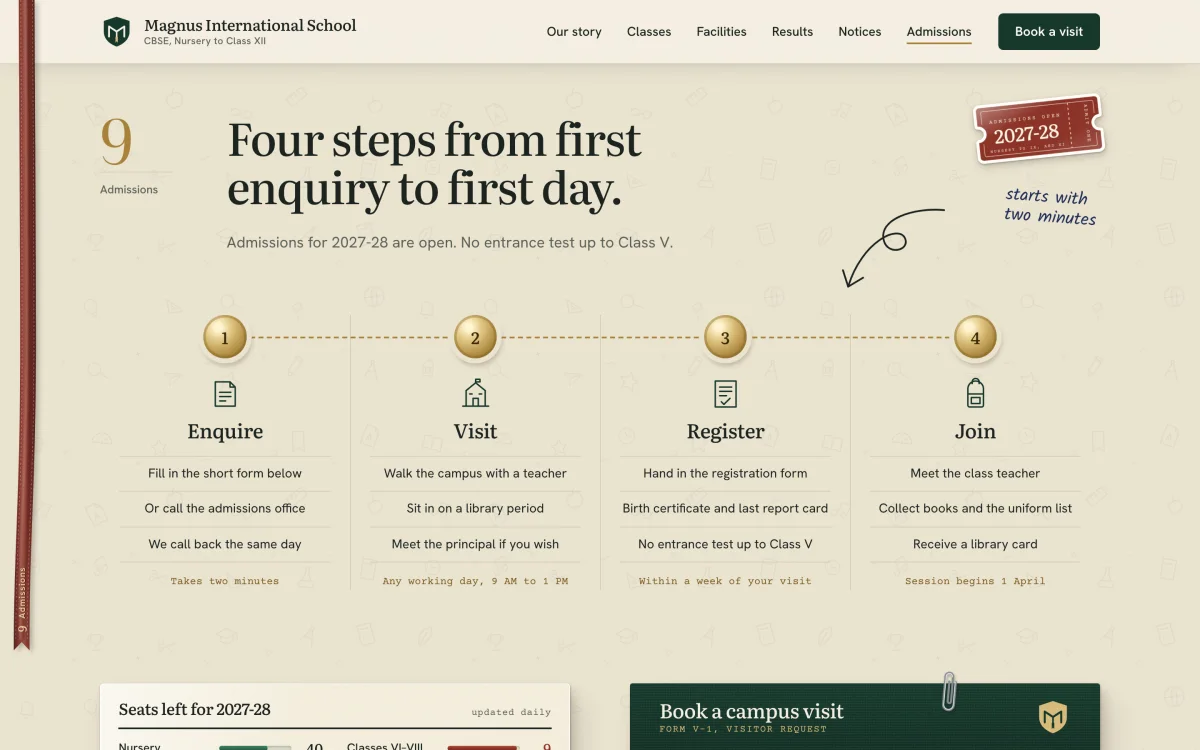
Admissions
(Step-by-step guide)- Four numbered steps, from enquiry to first day.
- Seats left and the visit form follow below.
Shivalik Hospital
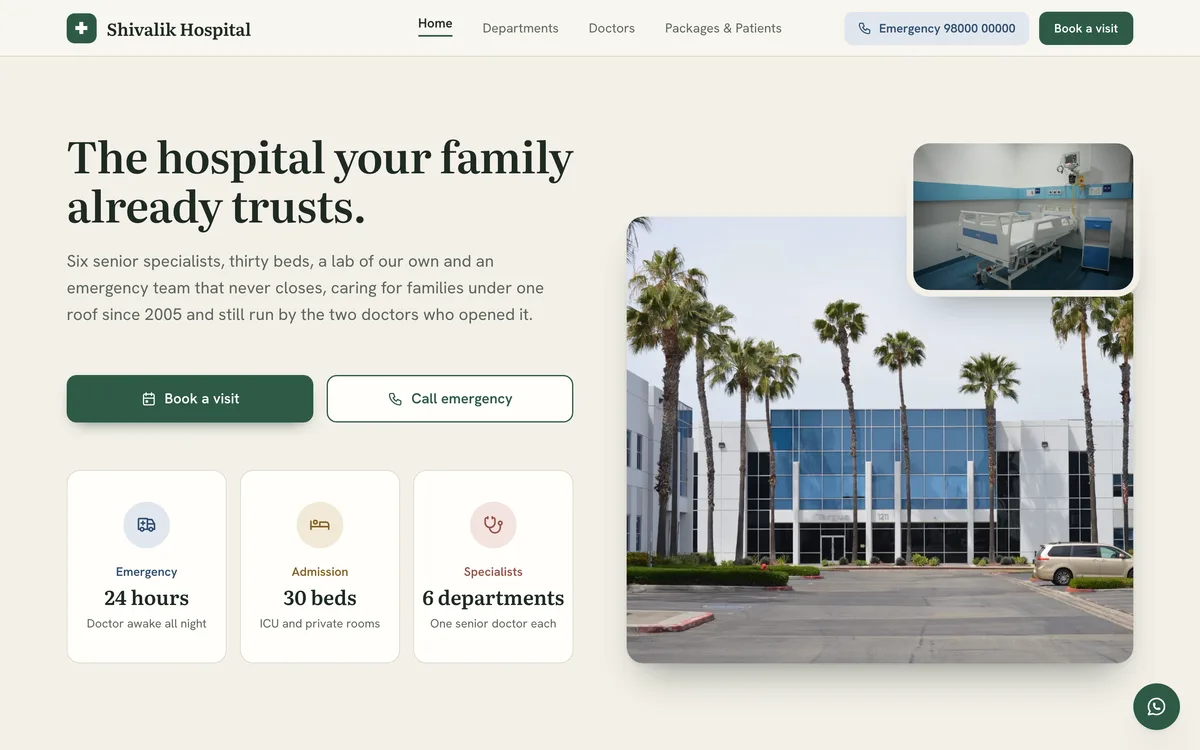
A fictional 30-bed general hospital.
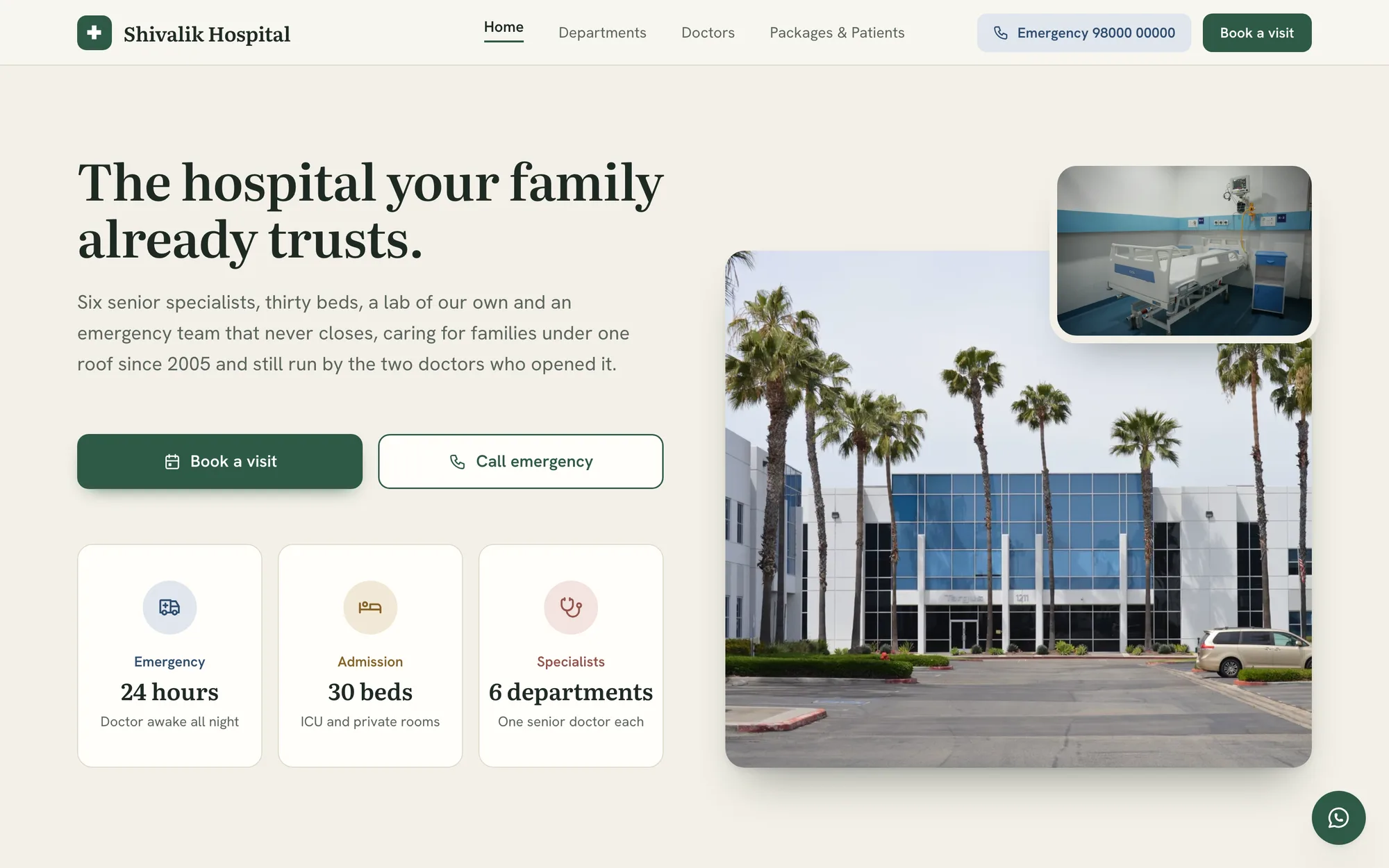
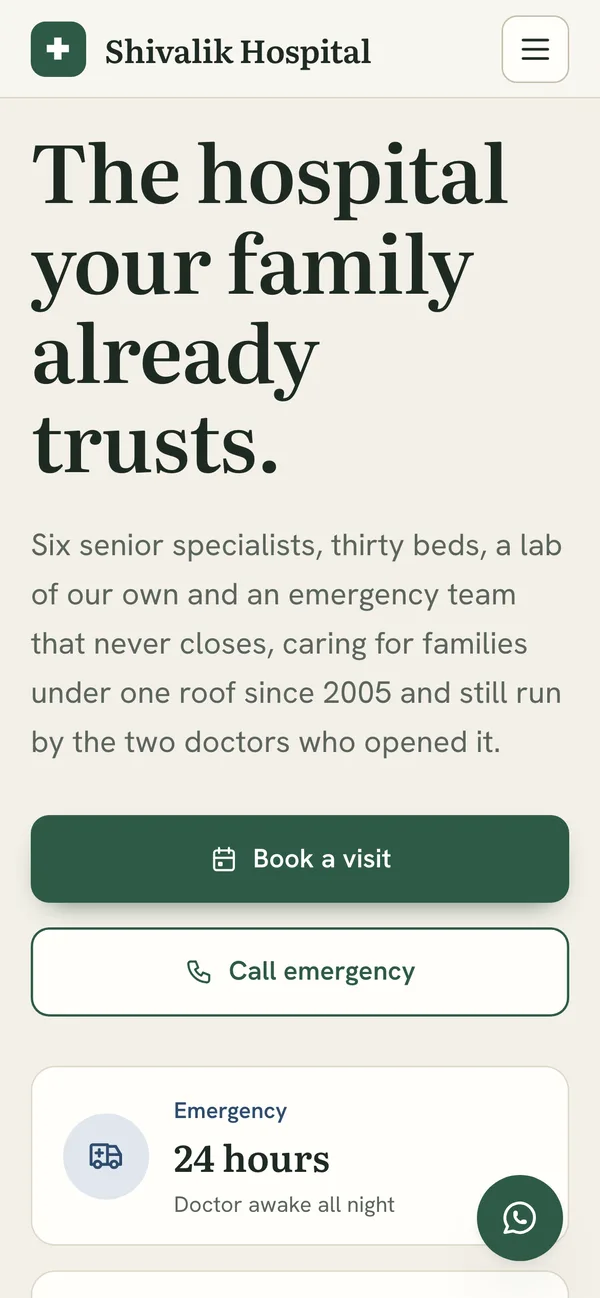
A linen-and-forest hospital site on four pages, where every section fits one screen. A family meets the founders and six doctors, sees the rooms and books a visit that ends in a slip to print.
- Built for
- Booking a visit and trusting the hospital
- Shown here
- 6 sections and the phone view
- Loads in
- 0.8 s on a slow phone, 0.3 s on a laptop
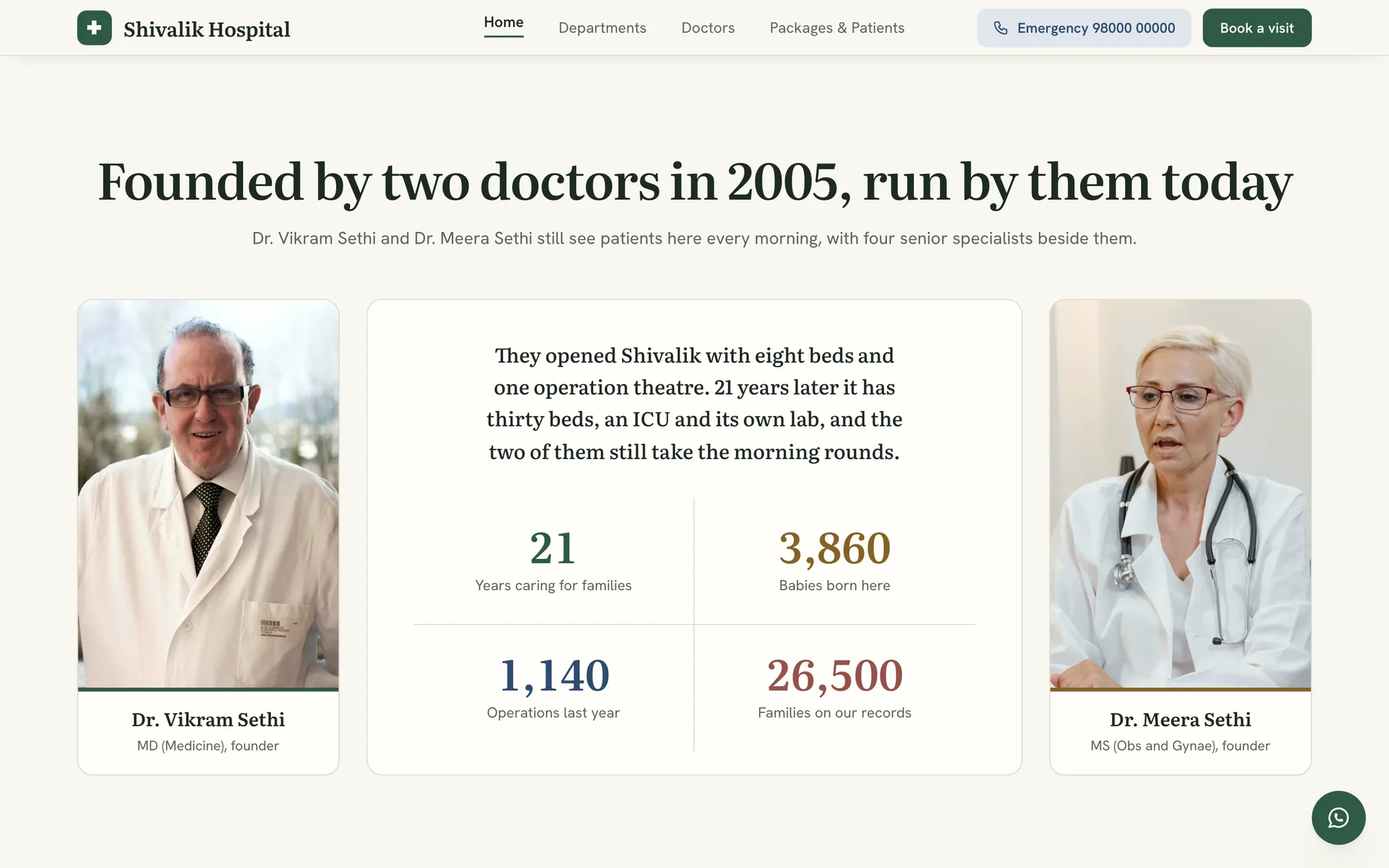
The founders
(Two doctors, one story)- Both founders in full, their eyes level.
- Their story and four numbers in between.
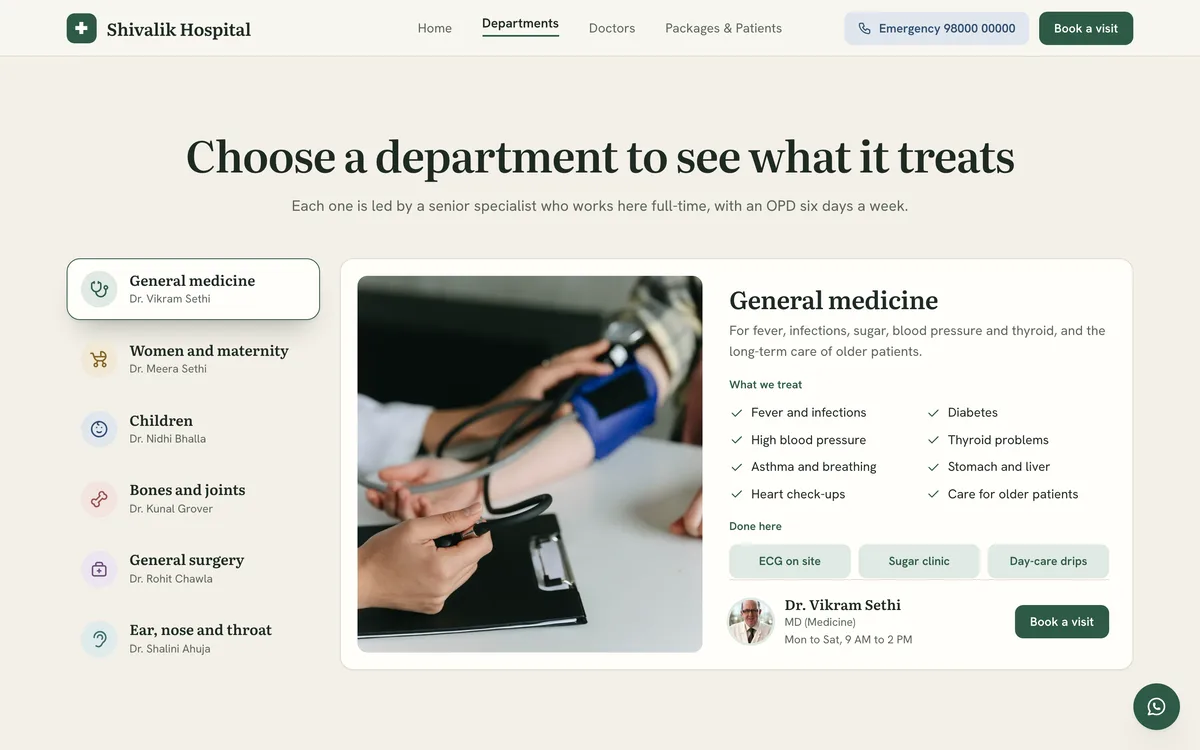
Departments
(Six tabs, one panel)- Six departments, each in its own colour.
- What it treats and who leads it, together.
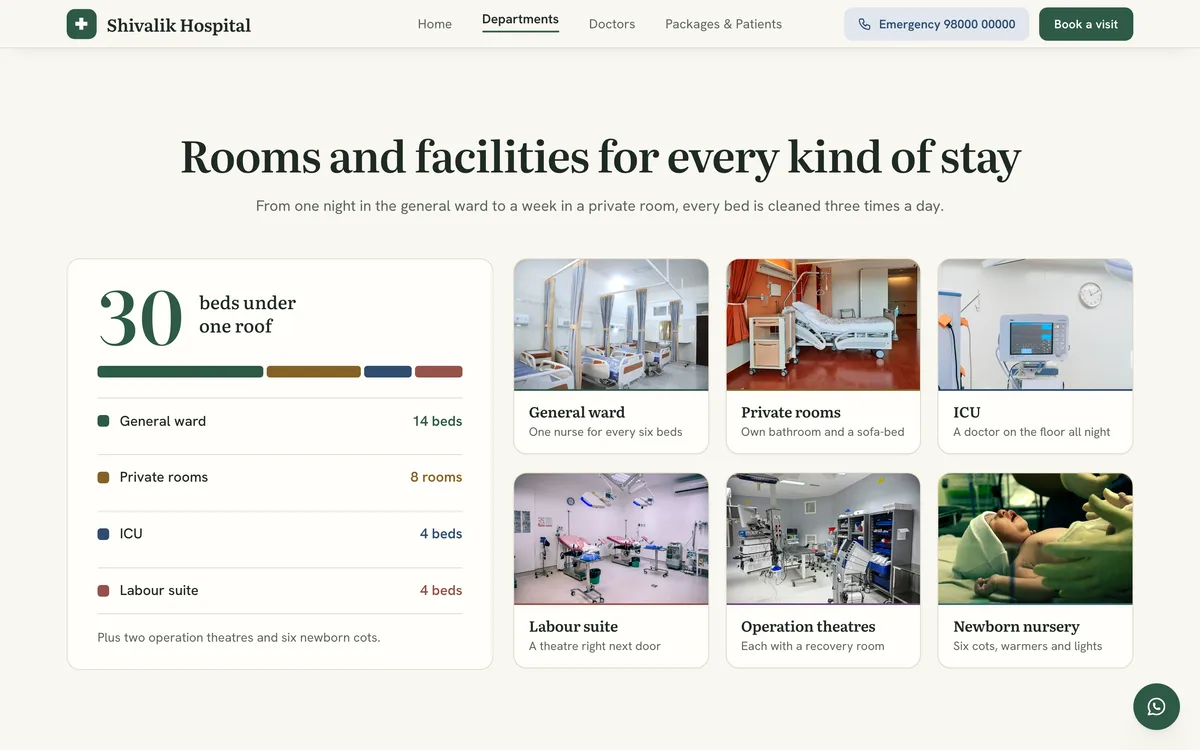
Rooms
(Thirty beds in one bar)- Thirty beds shown as one coloured bar.
- Six rooms in square cards, a photo each.
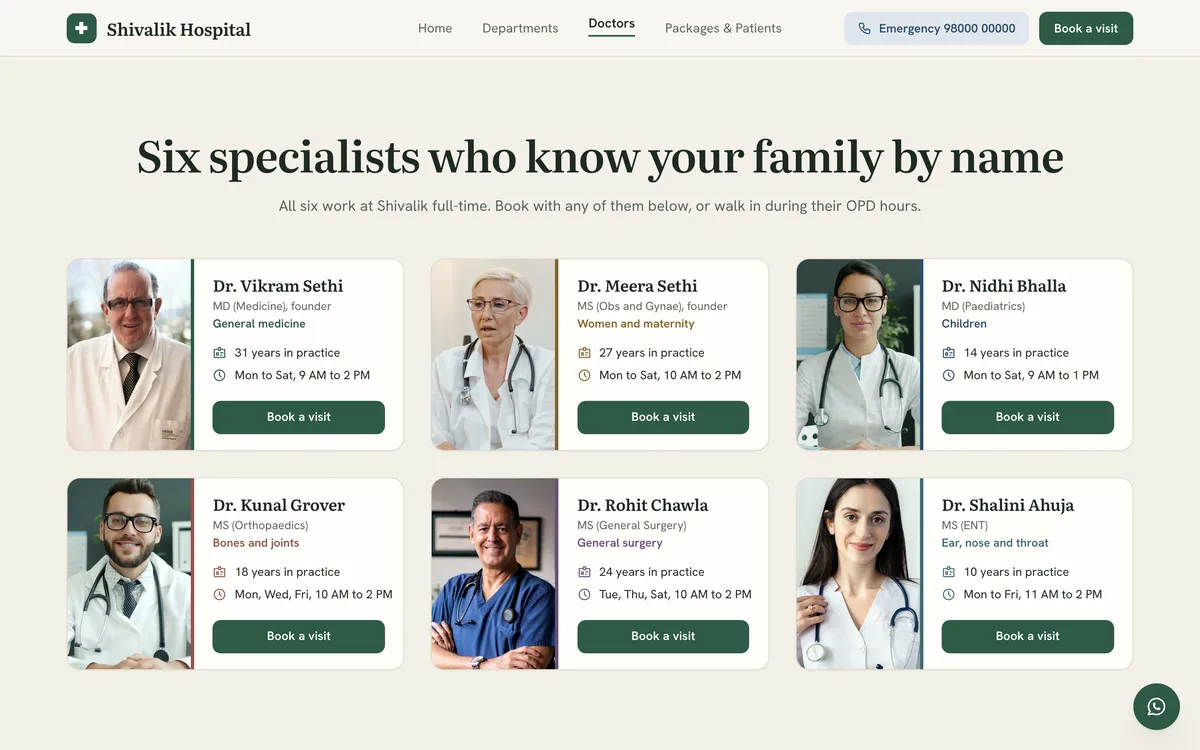
Doctors
(Six specialists, one grid)- Six doctors with their eyes on one line.
- Years, OPD hours and a button for each.
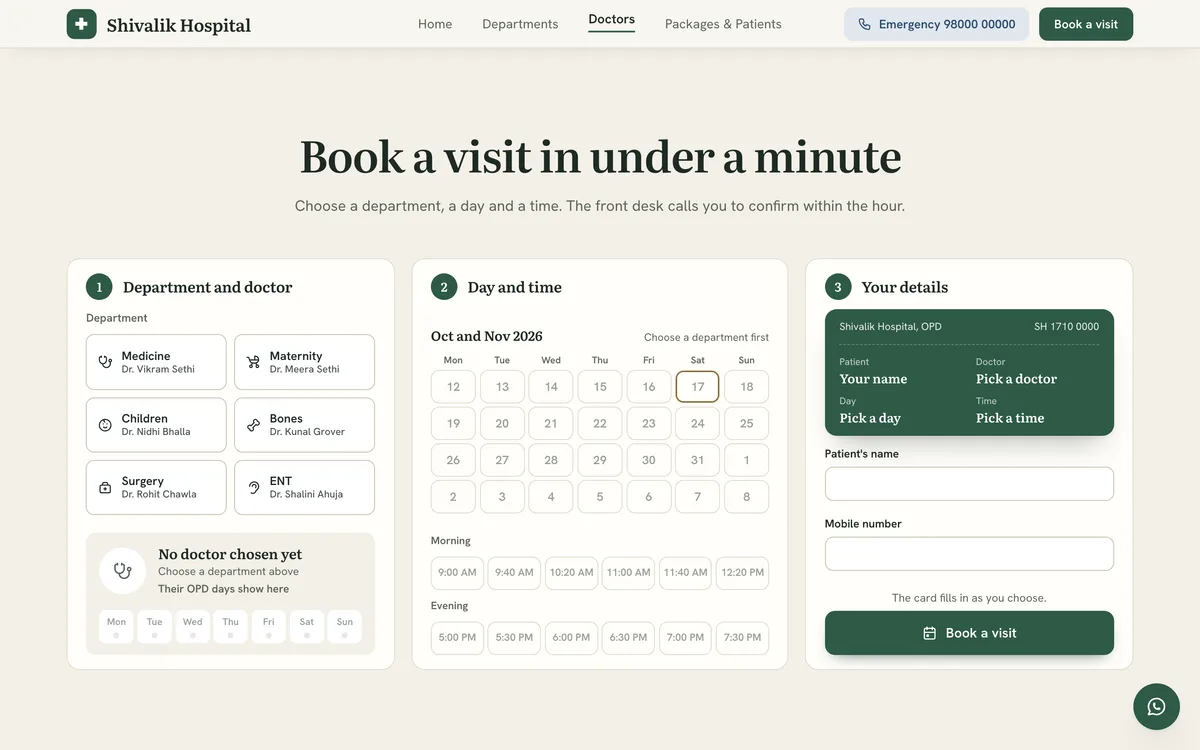
Book a visit
(Three steps, then a slip)- A department, a day and a time to pick.
- A thank-you slip to print once booked.
Prodigy
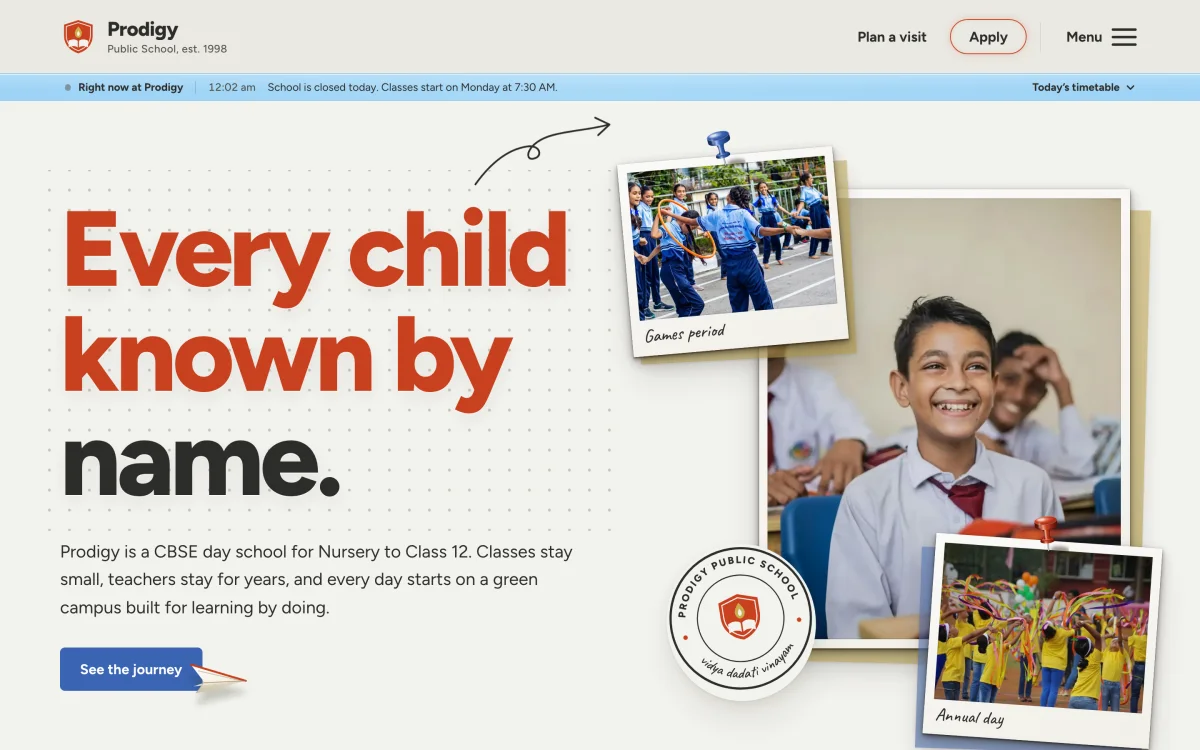
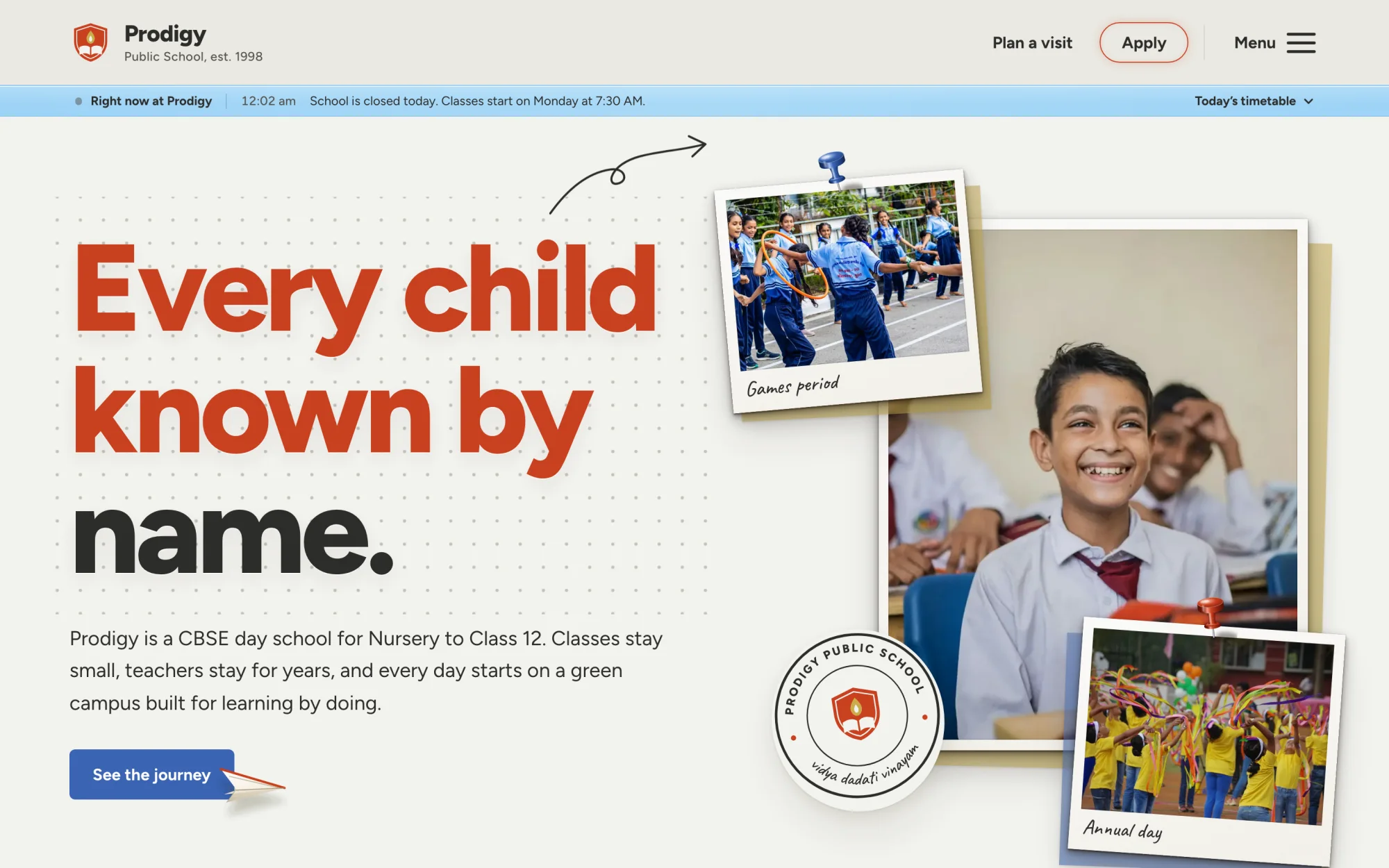
Prodigy Public School, a fictional CBSE day school.
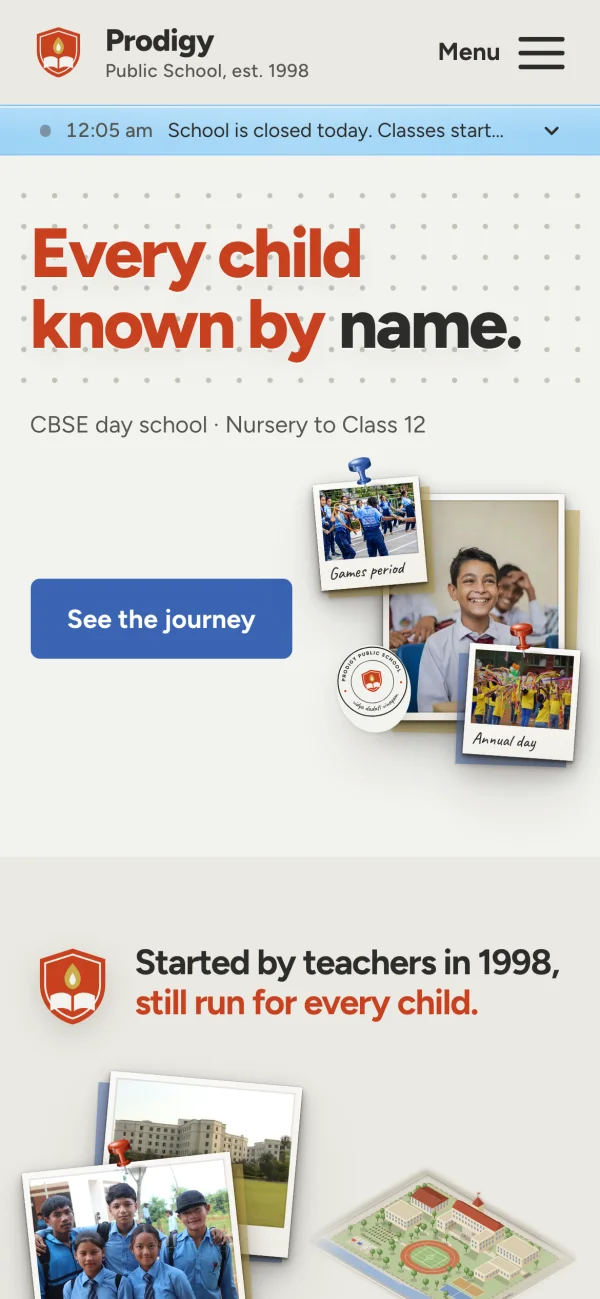
A warm school site laid out like a pin-board: tilted photographs, hand-drawn arrows and a strip that tells parents whether school is open right now.
- Built for
- Admission enquiries and campus visits
- Shown here
- 5 sections and the phone view
- Loads in
- 2.2 s on a slow phone, 0.5 s on a laptop
Journey
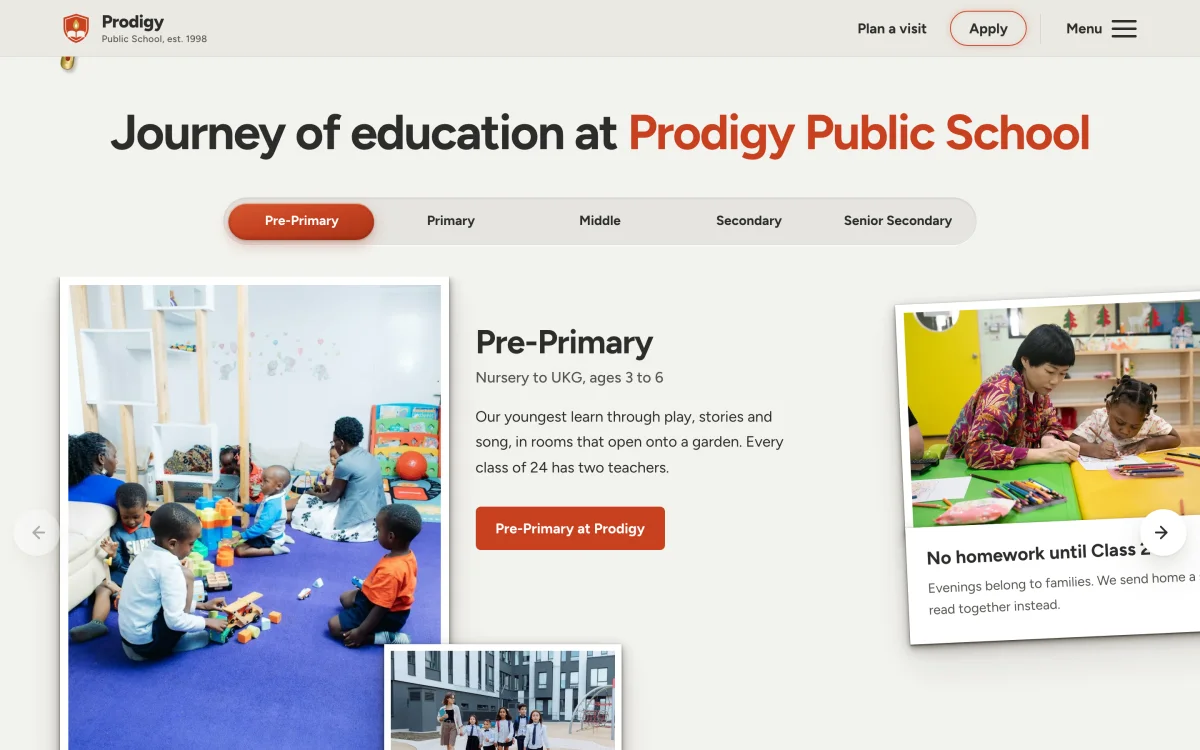
(Tabbed stages)- Five stages of school in one strip of tabs.
- Each stage opens its photos and class size.
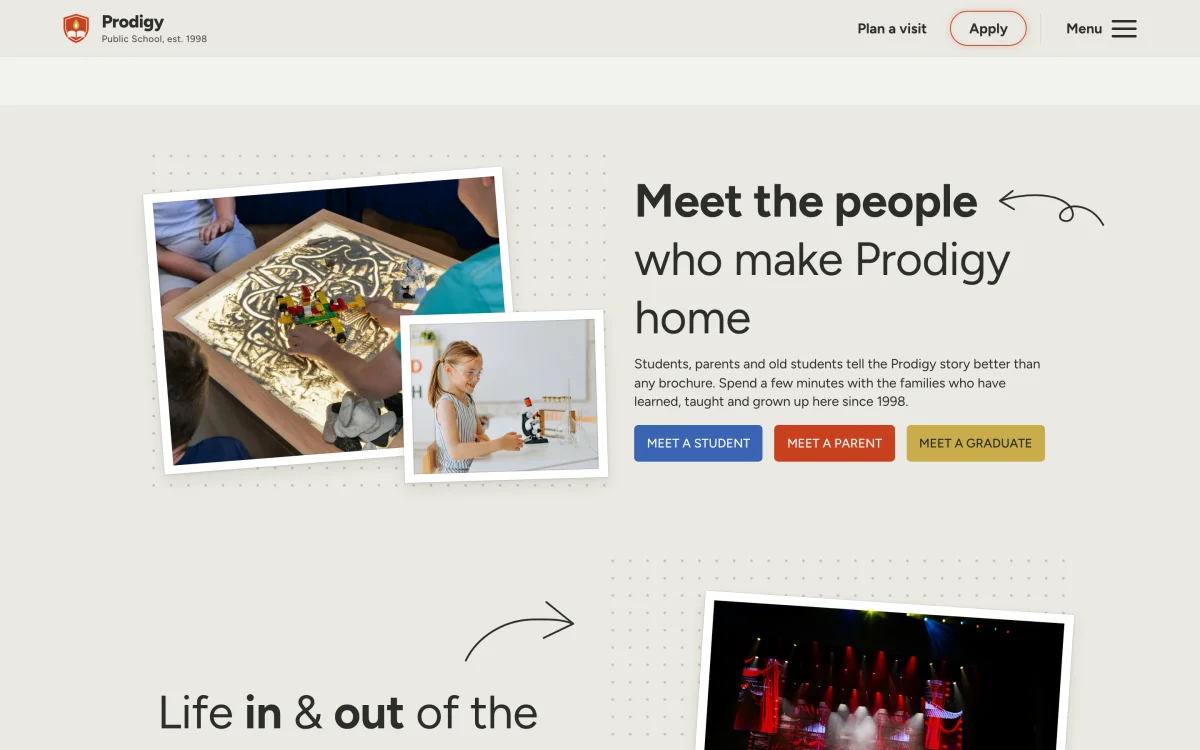
People
(Story block)- Students, parents and graduates speak here.
- Three buttons lead to three kinds of story.
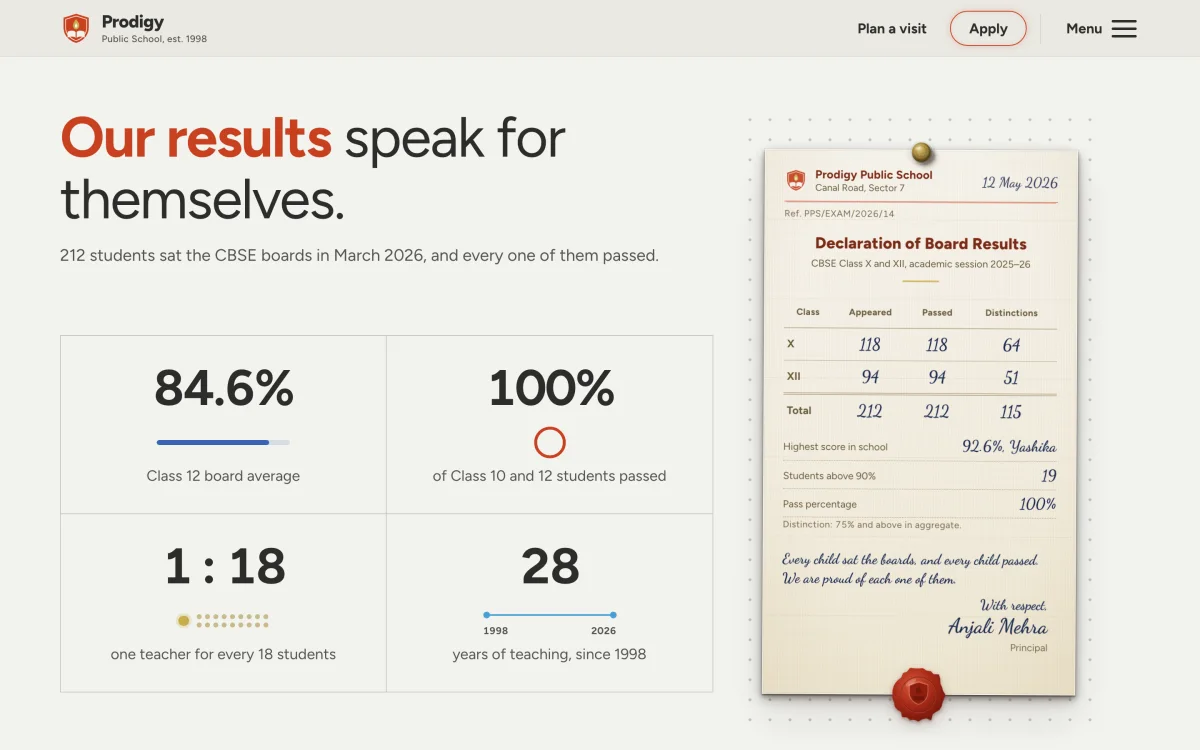
Results
(Results board)- Four figures a parent reads in five seconds.
- The result drawn as a signed school notice.
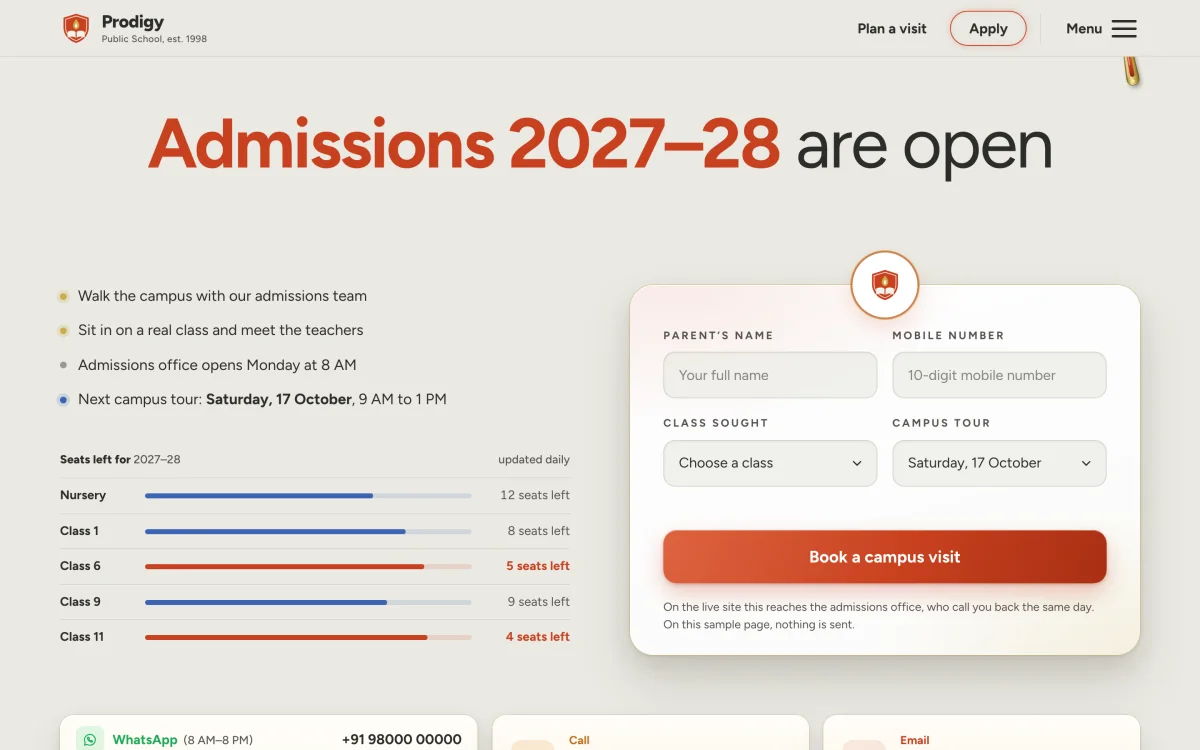
Visit and enquiry
(Enquiry form)- A short visit form beside the seats left.
- WhatsApp, call and email sit right below.
Khanna Clinic
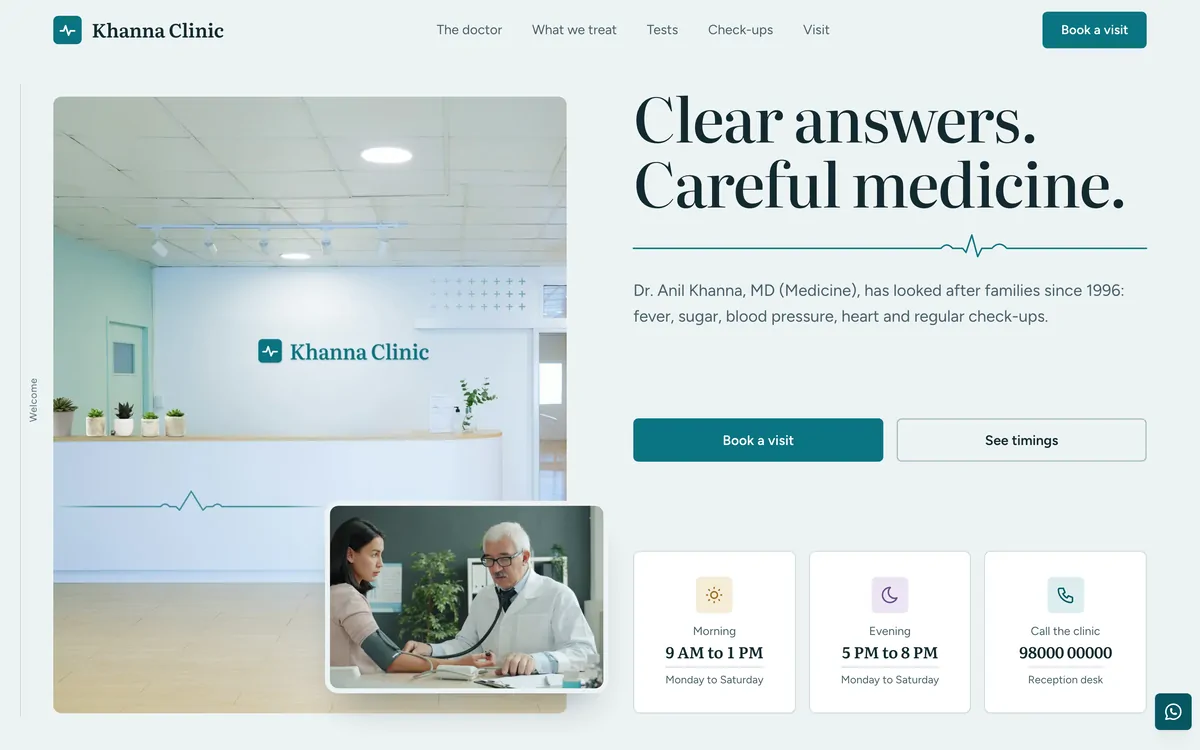
A fictional single-doctor family clinic.
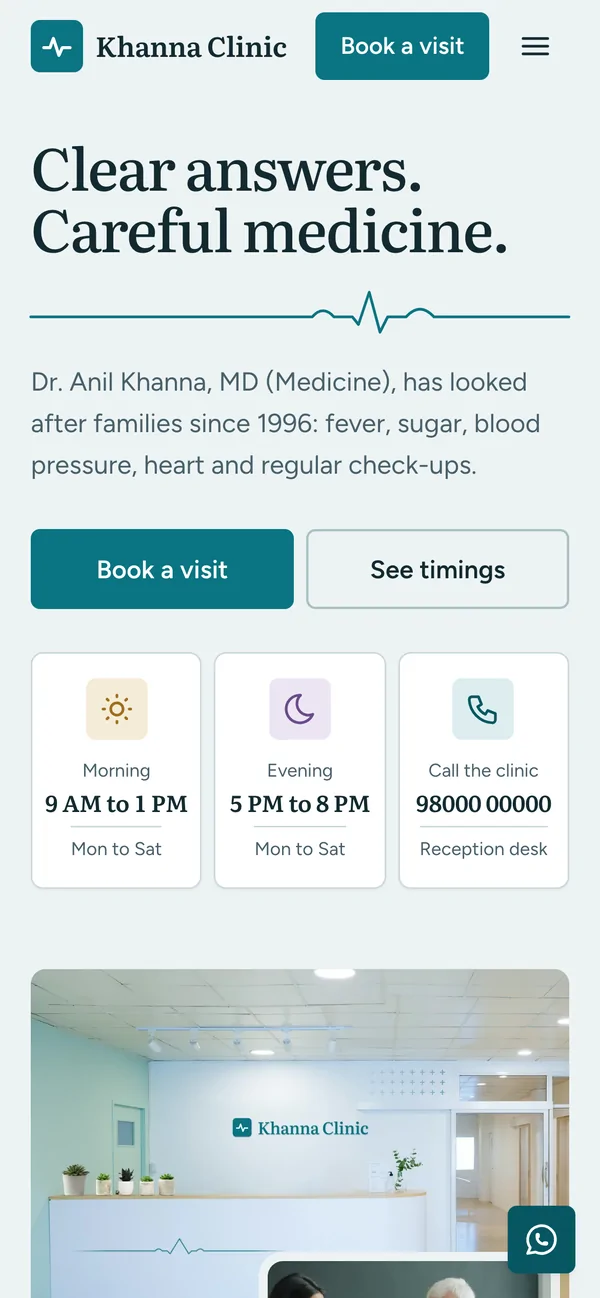
A frost-and-teal clinic site where every section fits exactly one screen. A patient meets the doctor, sees the rooms and picks a day and a time without leaving the page.
- Built for
- Booking a visit and finding the clinic
- Shown here
- 6 sections and the phone view
- Loads in
- 0.8 s on a slow phone, 0.6 s on a laptop
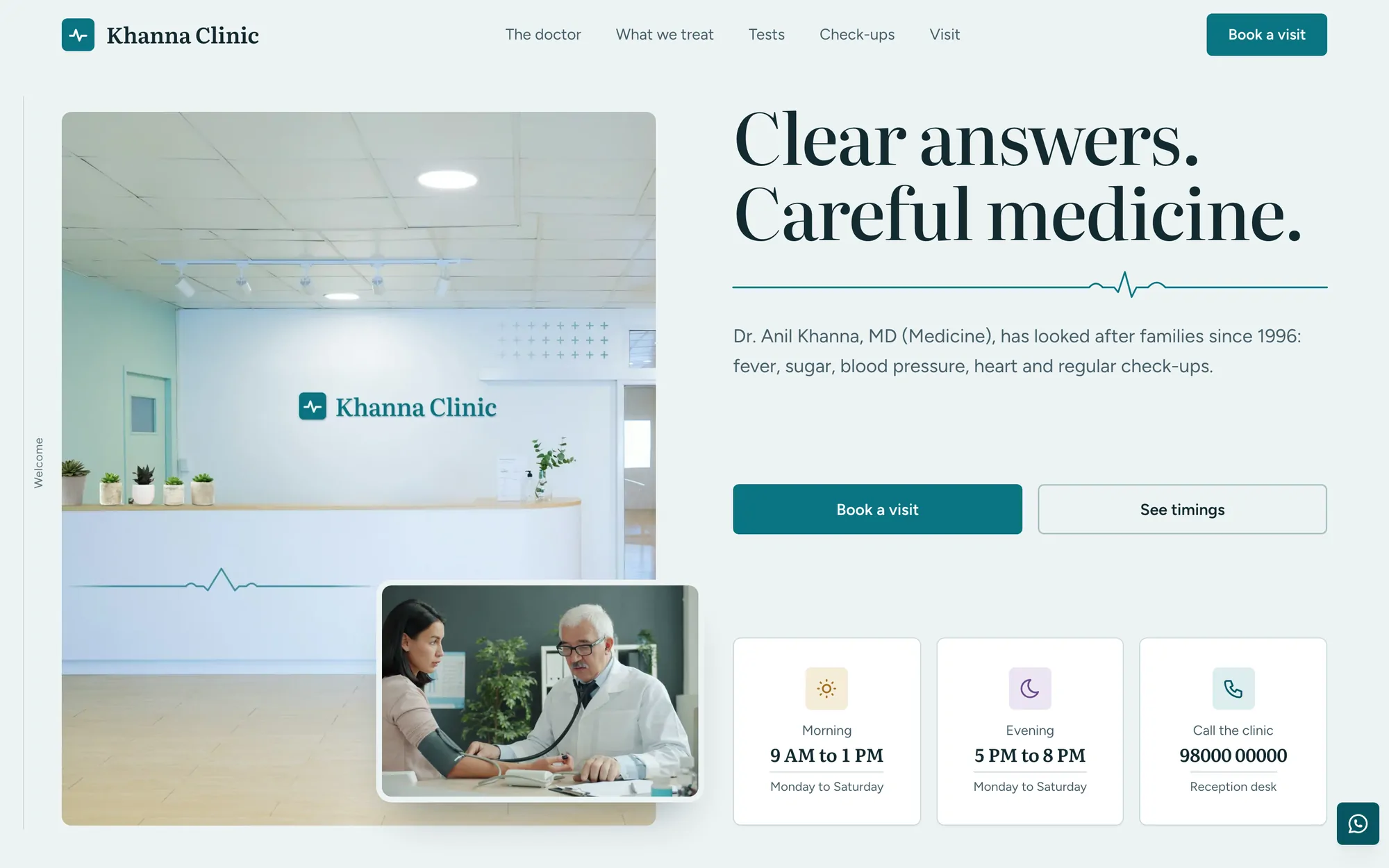
The doctor
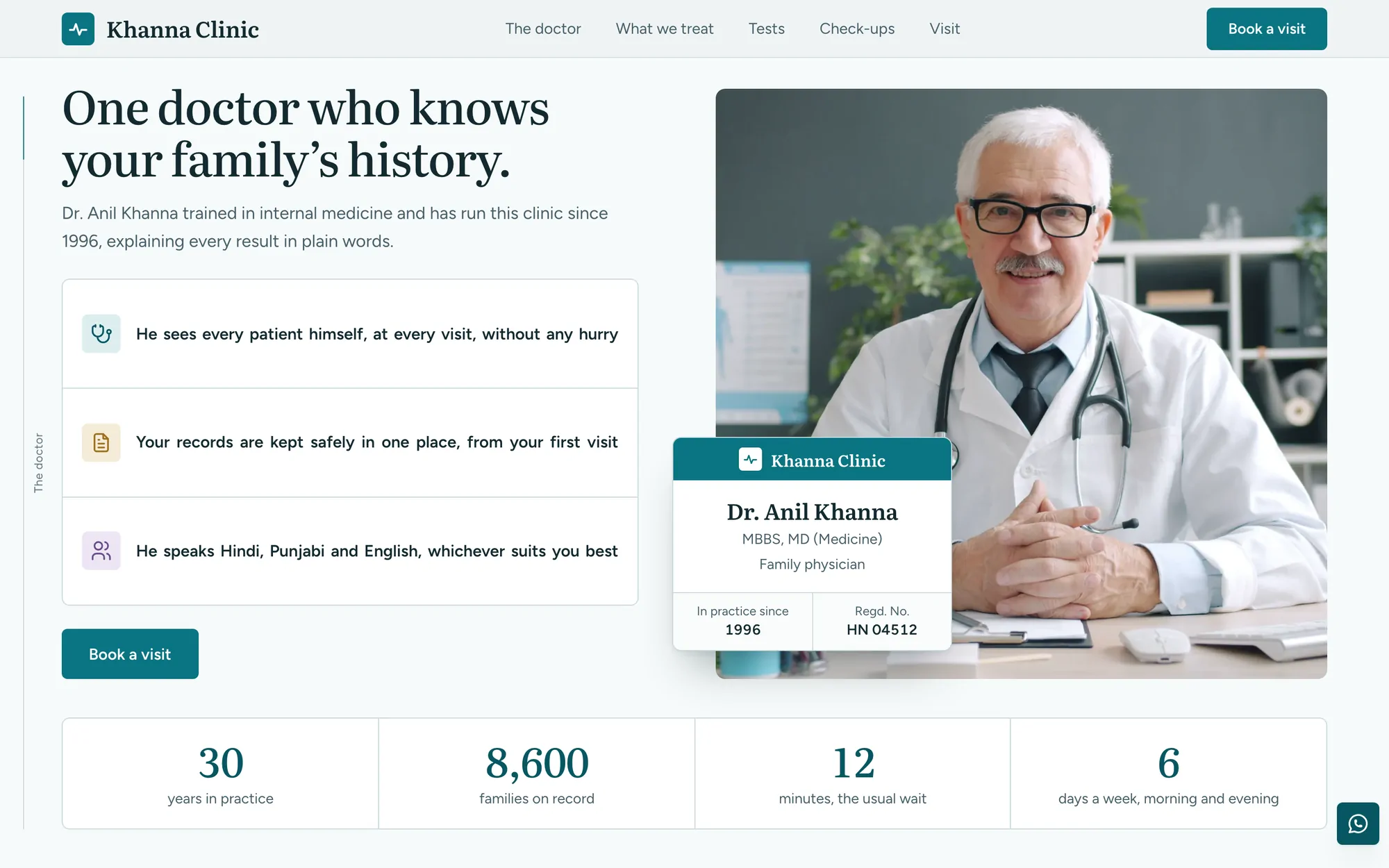
(One doctor, four numbers)- A portrait with his own card on its corner.
- Four numbers count up from zero below it.
Tests
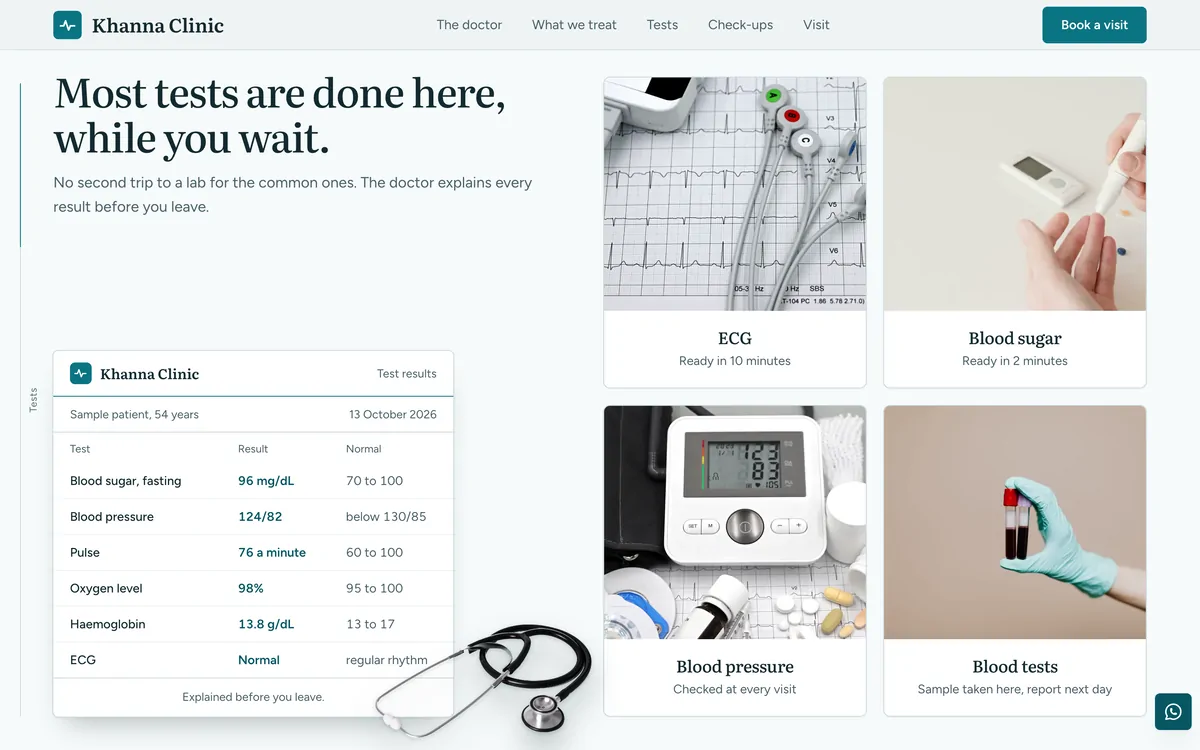
(A result slip to read)- A sample result slip, with a real stethoscope.
- Four tests, each with the time it takes.
Inside the clinic
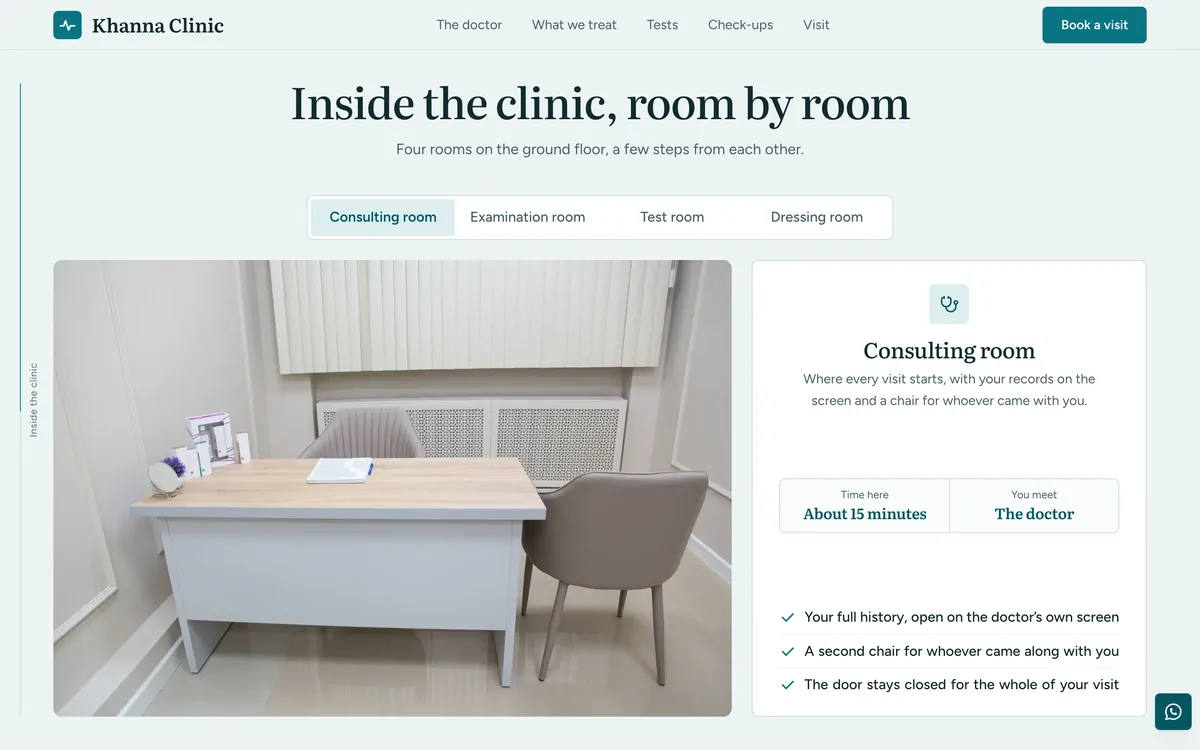
(Four rooms, one at a time)- Four rooms to switch between, a photo each.
- Time there and who you meet, beside it.
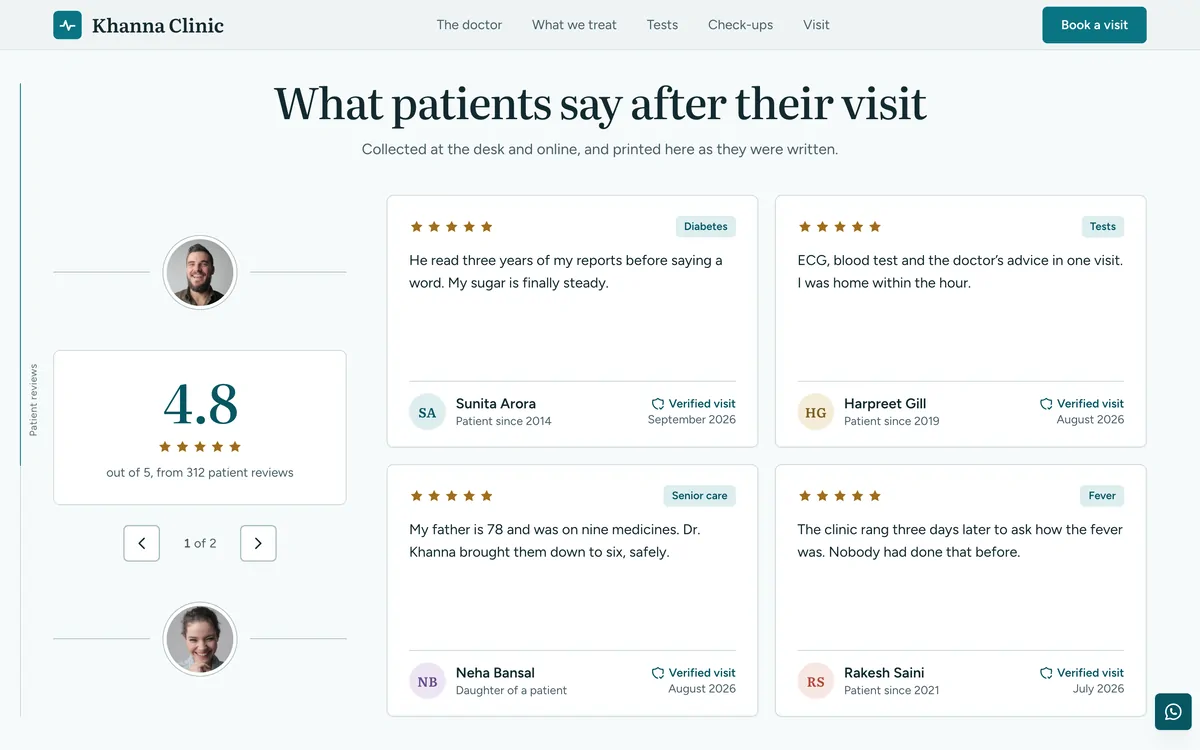
Reviews
(Reviews that write themselves)- Four reviews to a screen, eight in all.
- Each one types itself as its stars light up.
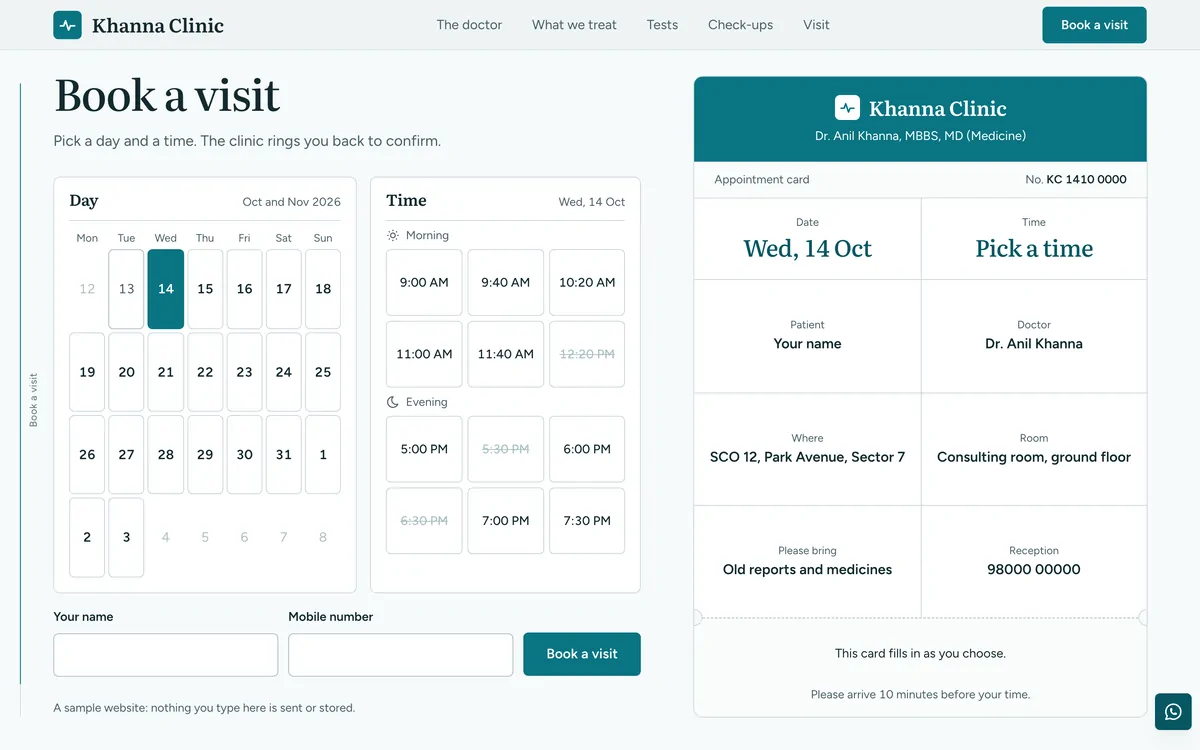
Book a visit
(A calendar and a card)- Pick a day on a calendar, then a time.
- An appointment card fills in as you choose.
Meridian
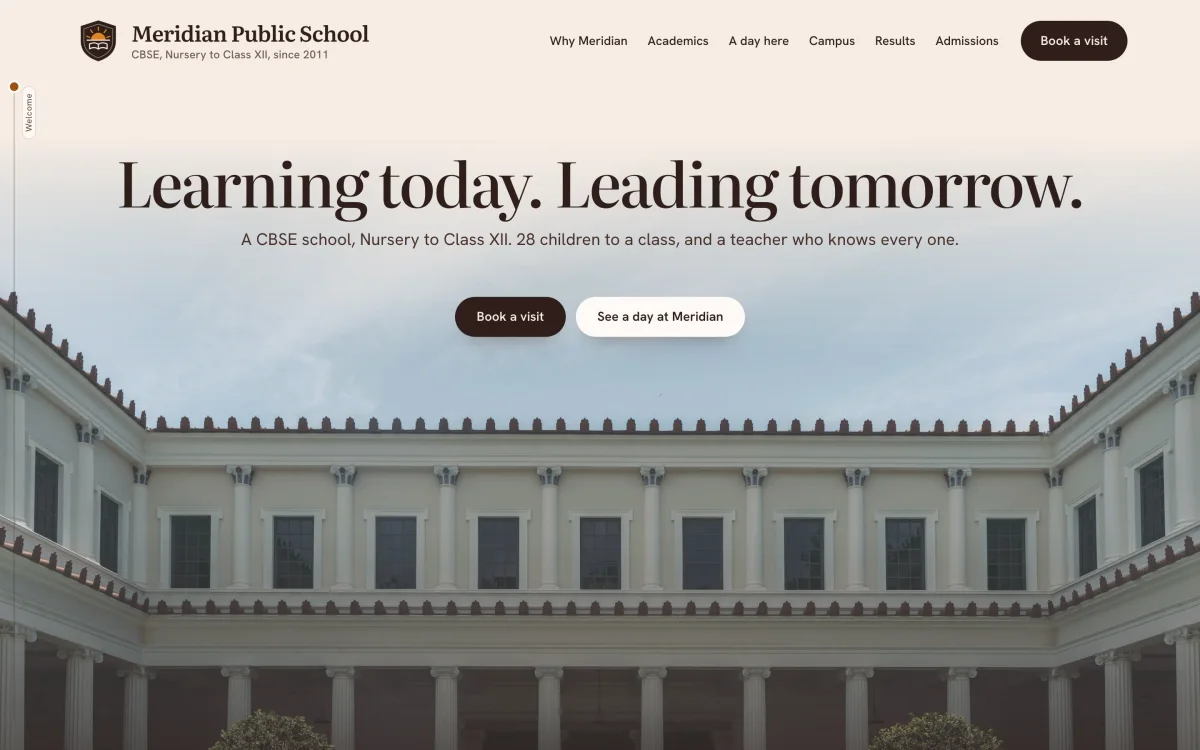
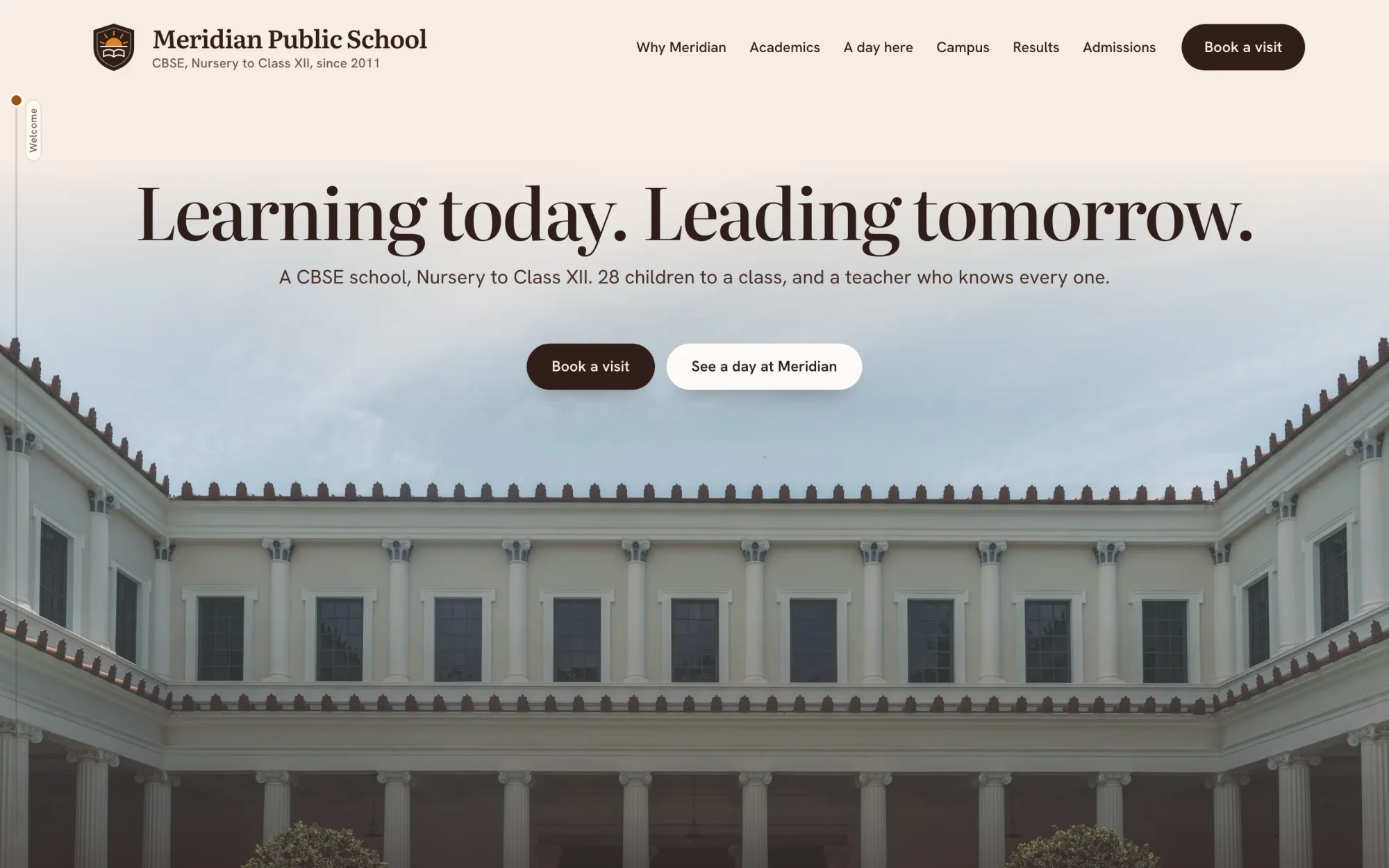
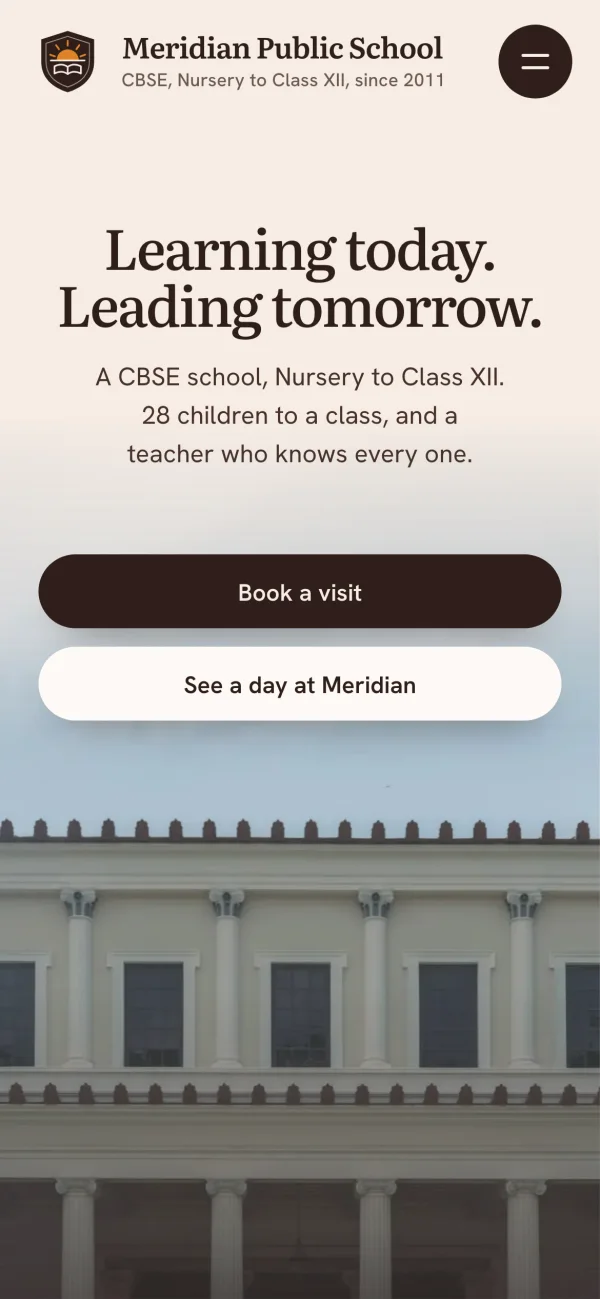
Meridian Public School, a fictional CBSE school.
A calm, light school site where every section fits exactly one screen. Parents move through the school a page at a time, with a line at the side that shows how far they have come.
- Built for
- Admission enquiries and campus visits
- Shown here
- 6 sections and the phone view
- Loads in
- 1.7 s on a slow phone, 0.7 s on a laptop
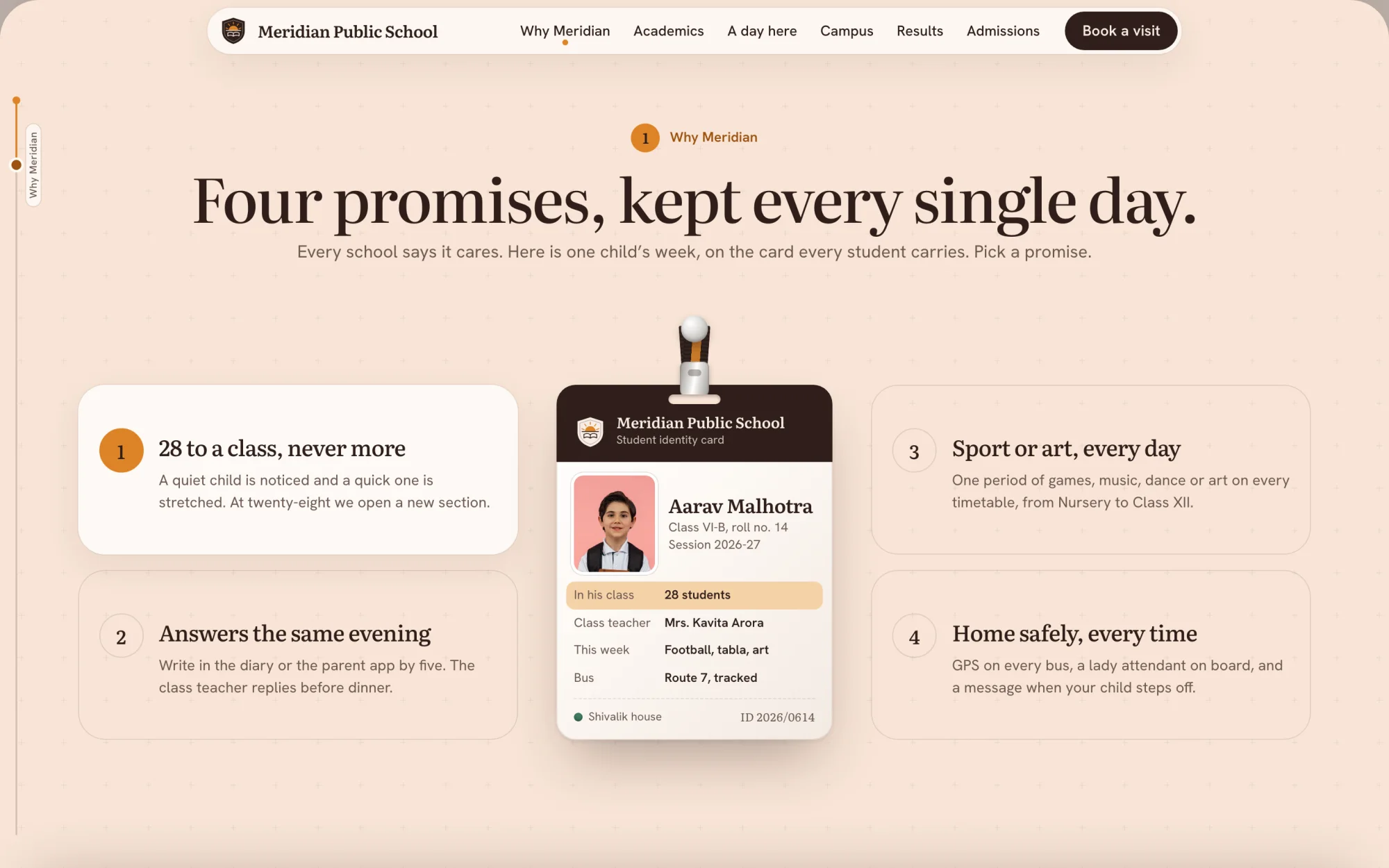
Why Meridian
(Promises you can test)- Four promises, proved on one identity card.
- Pick a promise and its line lights up.
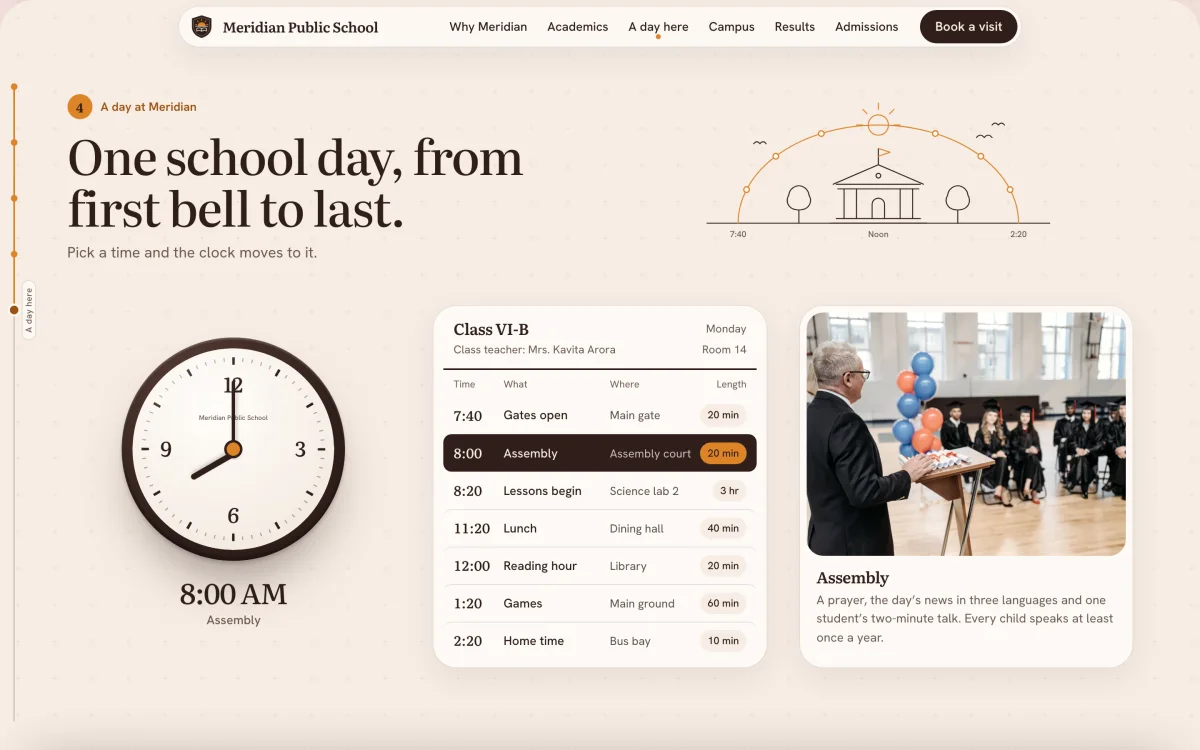
A day here
(Working clock and timetable)- A clock, a timetable and a photo move as one.
- Pick a time and the section turns to it.
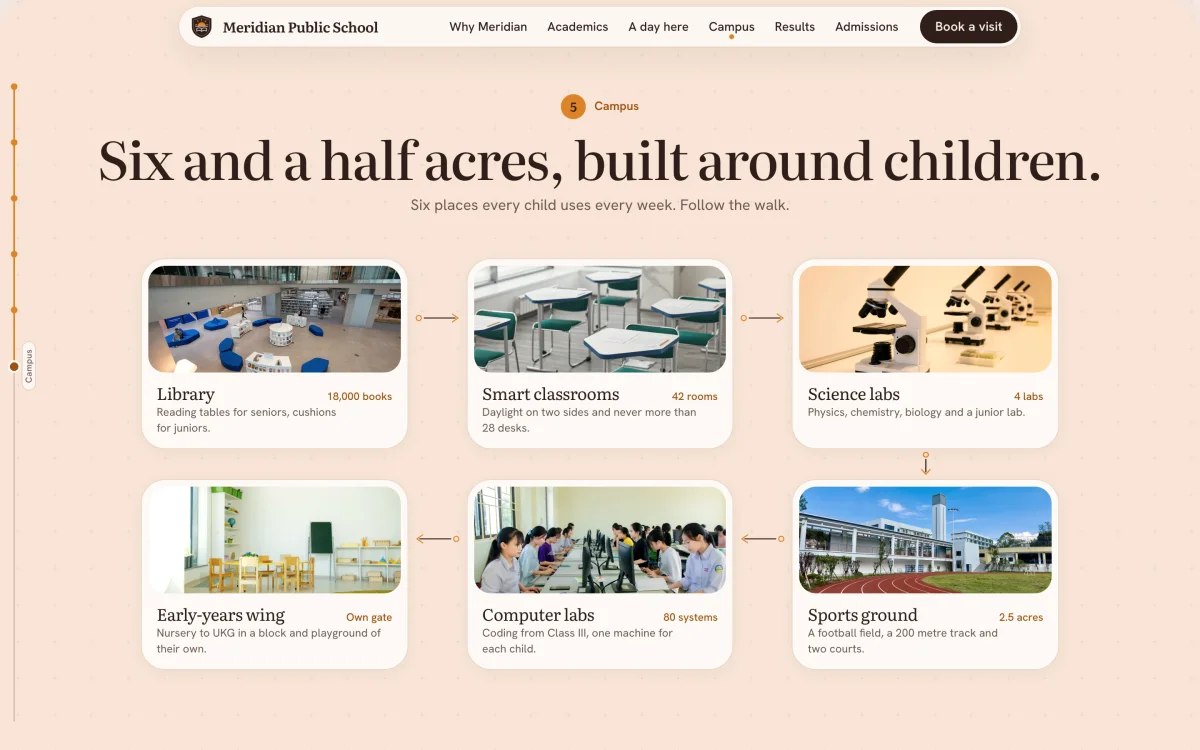
Campus
(Guided tour)- Six places every child uses, joined as a walk.
- Each stop has one photograph and one figure.
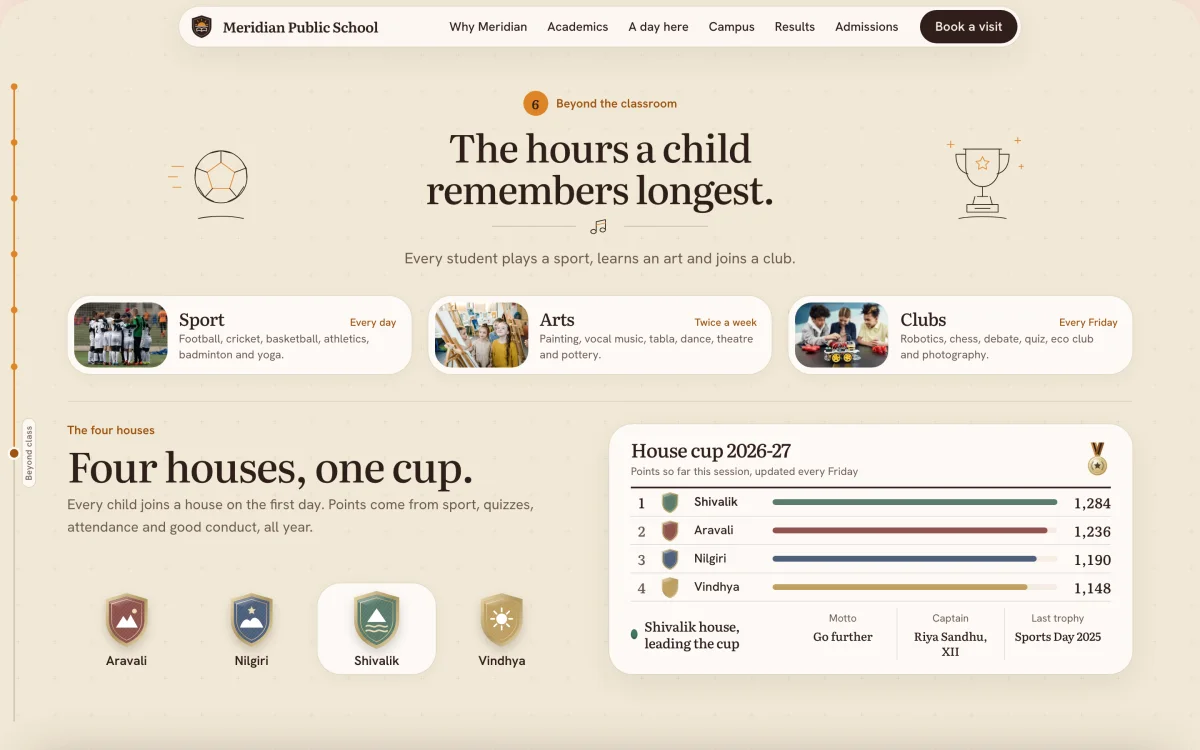
Beyond class
(Activities and house cup)- Sport, arts and clubs, and how often they run.
- A table shows four houses and their points.
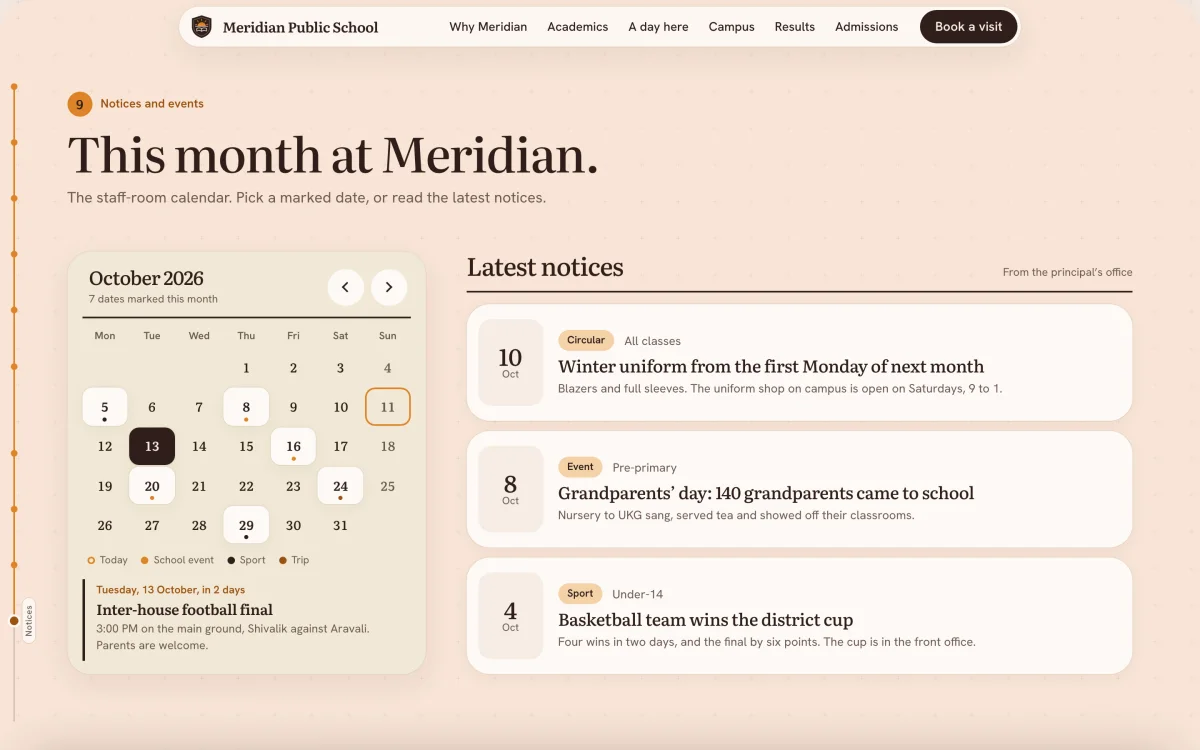
Notices
(Calendar and notices)- A month calendar beside the latest notices.
- Pick a marked date to read what happens.
Dental Care
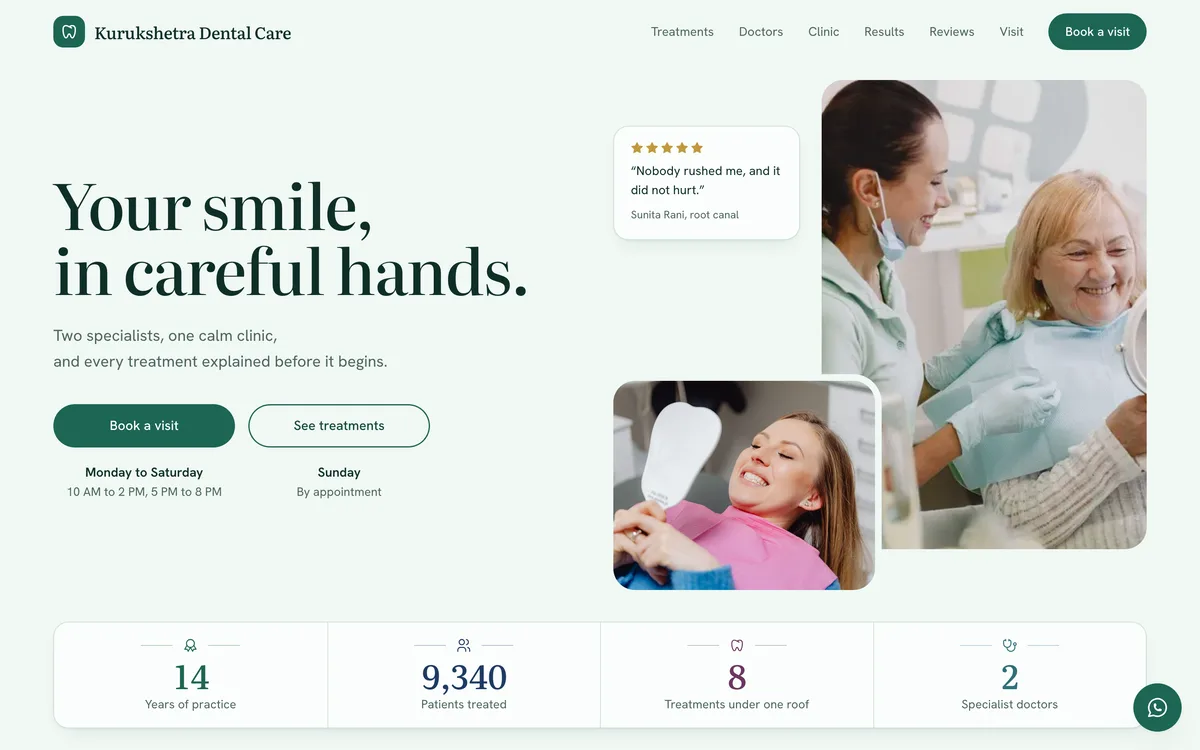
A fictional two-doctor dental clinic.
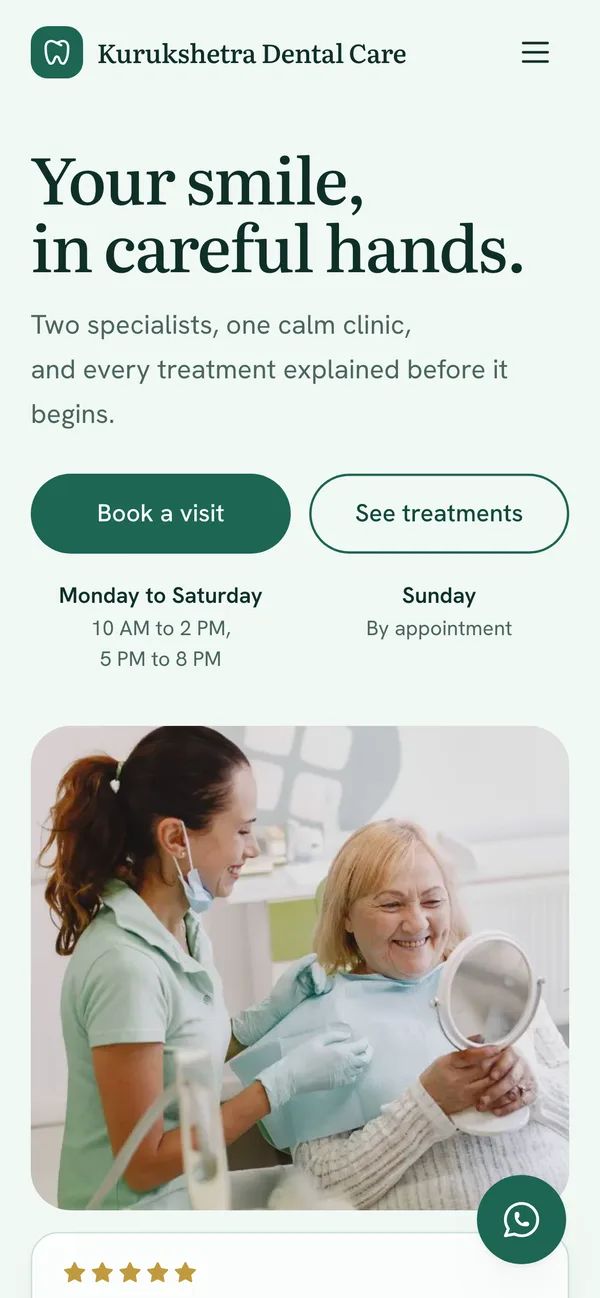
A calm, mint-and-white clinic site where every section fits exactly one screen. A patient meets the two doctors, sees the clinic and books a visit without leaving the page.
- Built for
- Appointment requests and first visits
- Shown here
- 6 sections and the phone view
- Loads in
- 1.2 s on a slow phone, 0.4 s on a laptop
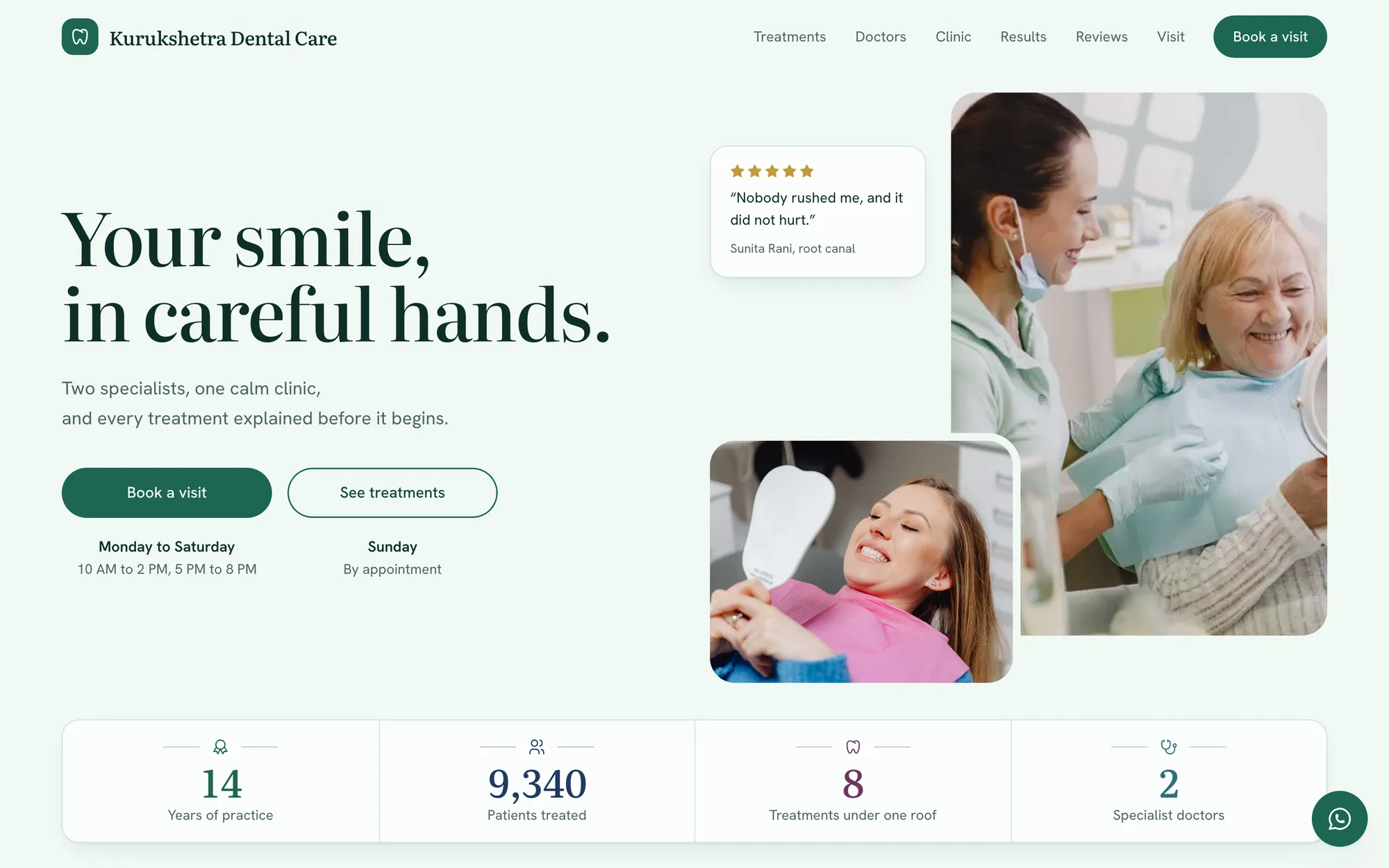
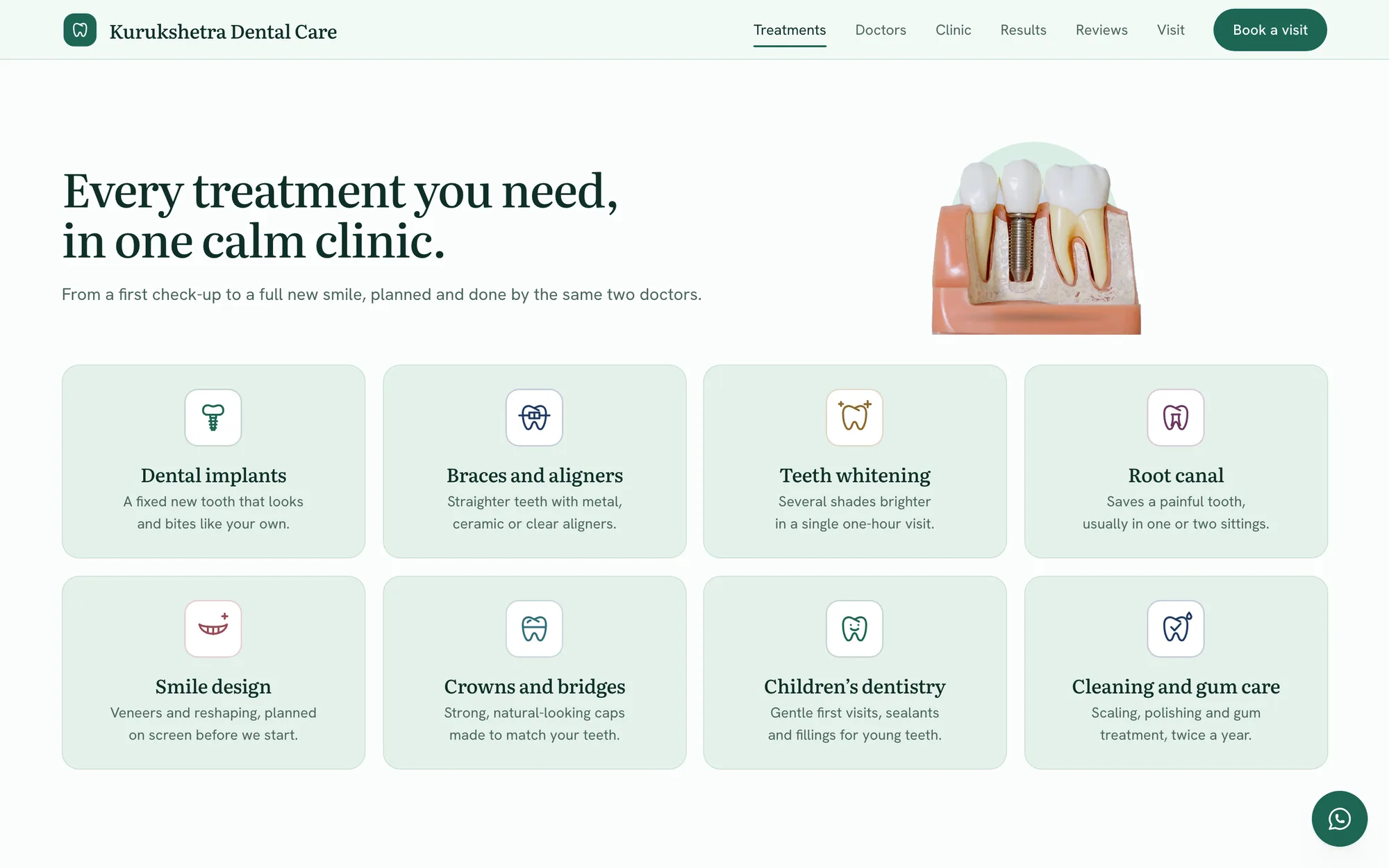
Treatments
(Eight cards that lift)- Eight treatments on eight matching cards.
- A card rises to the mouse and casts a shadow.
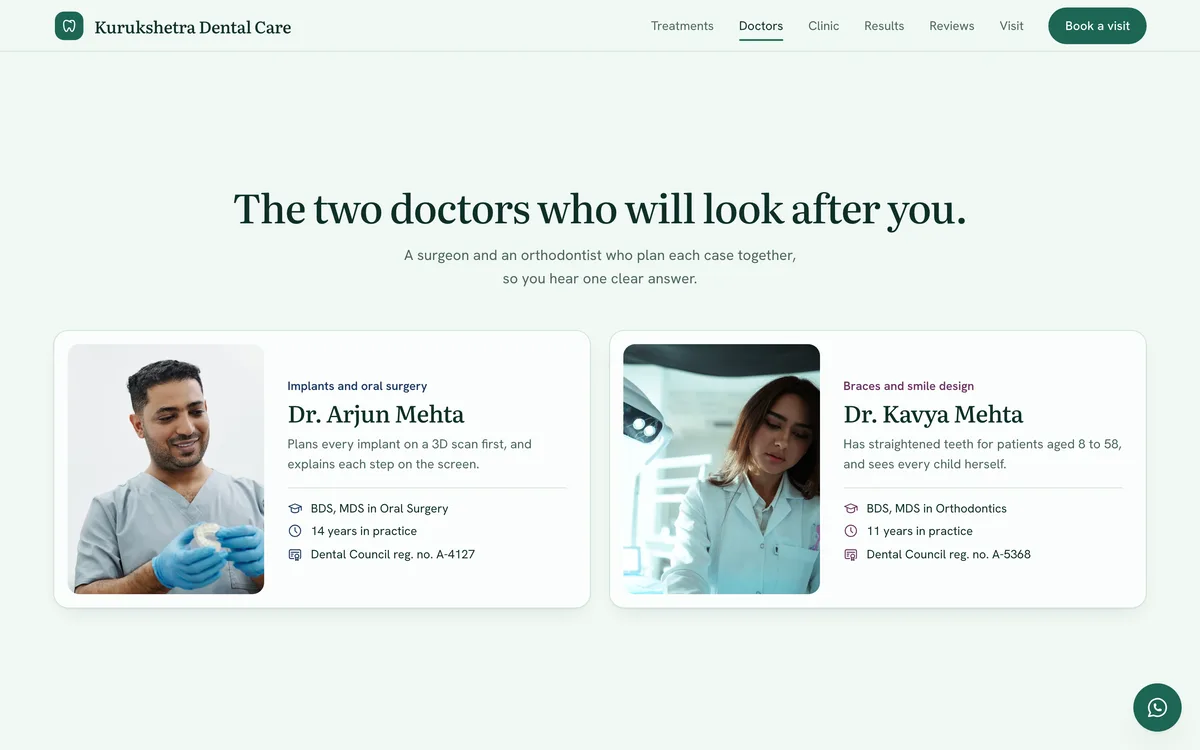
Doctors
(Matching profiles)- Two doctors, with degrees and registration.
- The two cards match each other line for line.
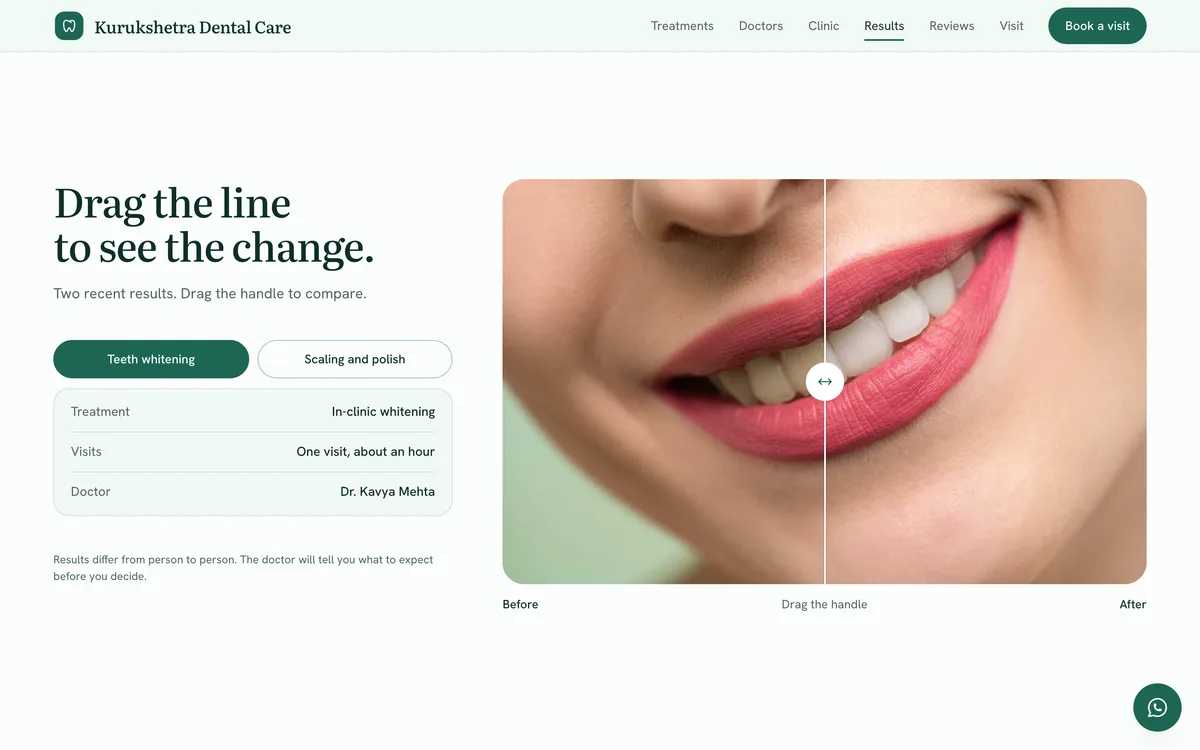
Before and after
(Drag to compare)- One photograph, with a line you can drag.
- Two results to switch between, facts beside.
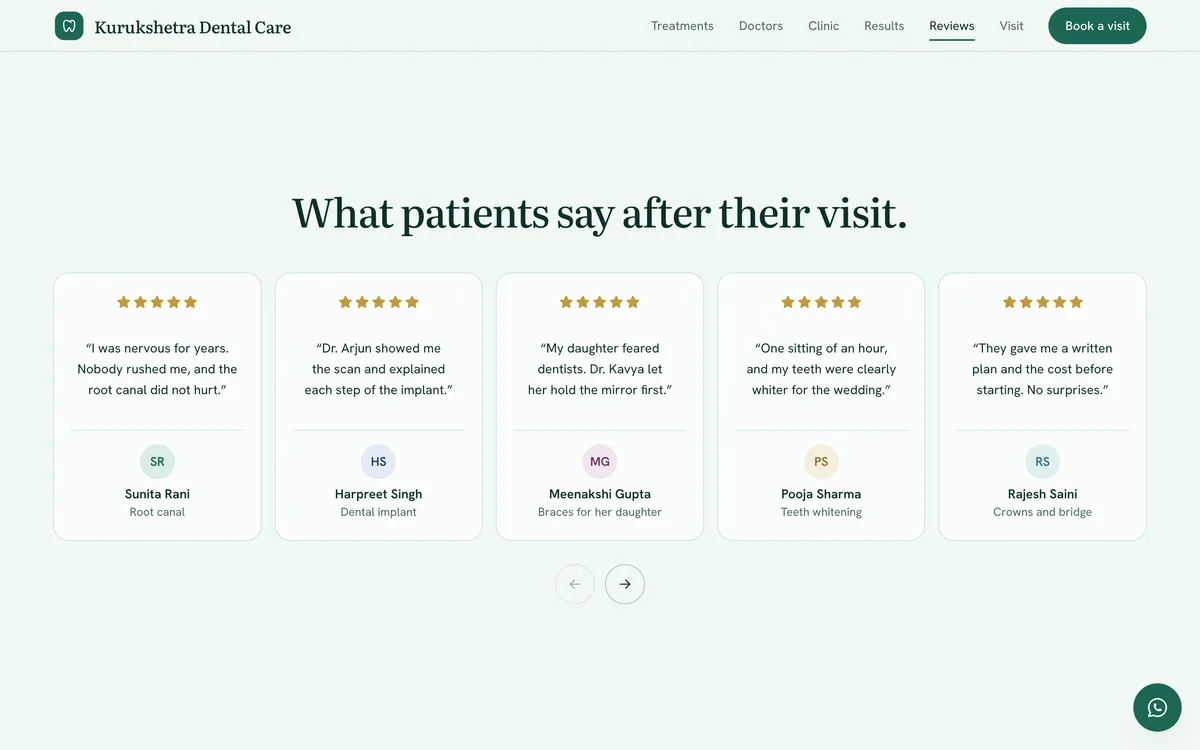
Reviews
(Reviews that write themselves)- Five reviews to a screen, ten in all.
- Each one types itself as its stars light up.
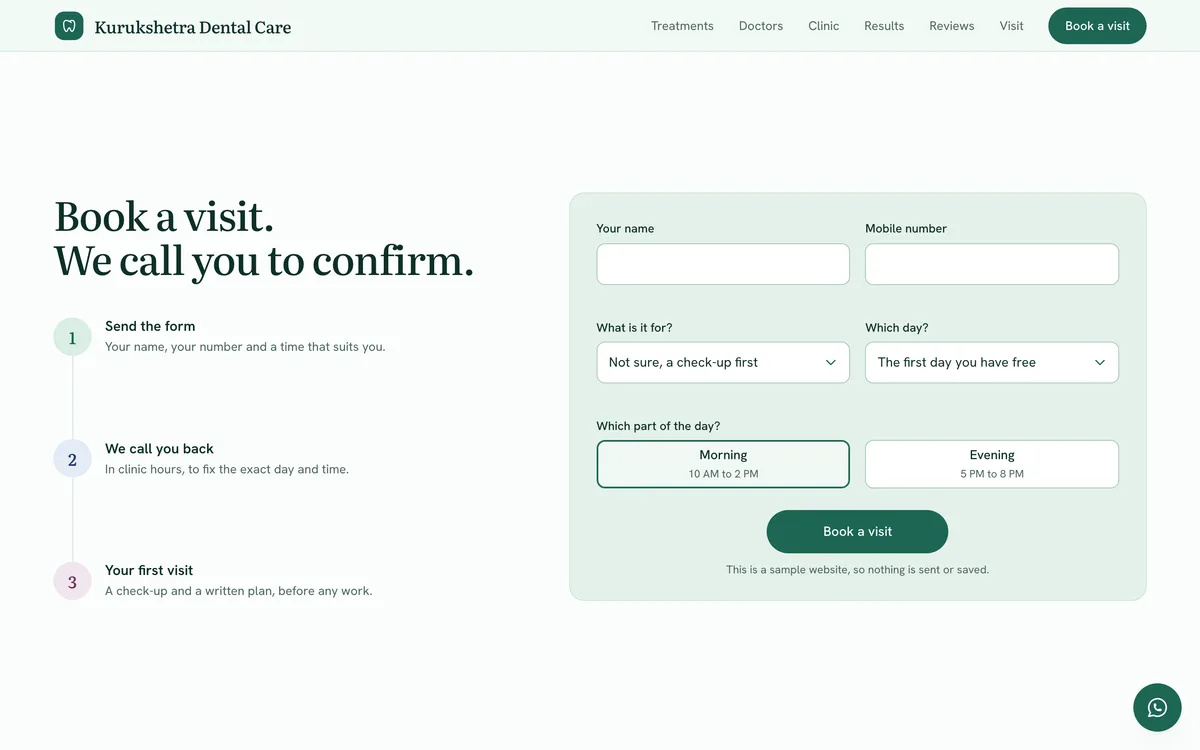
Appointment
(Short booking form)- Name, number, day and part of the day.
- Three steps beside it show what comes next.
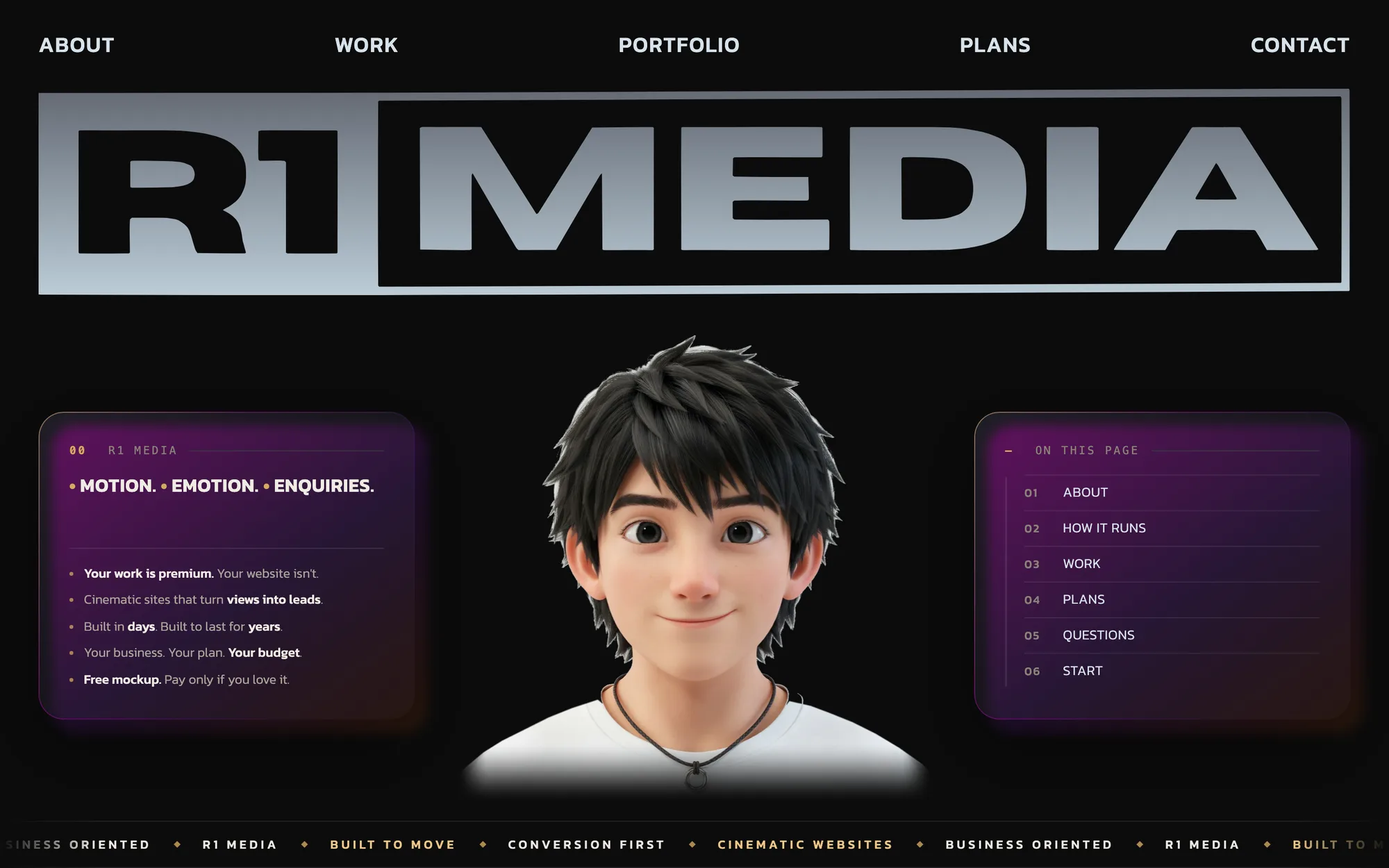
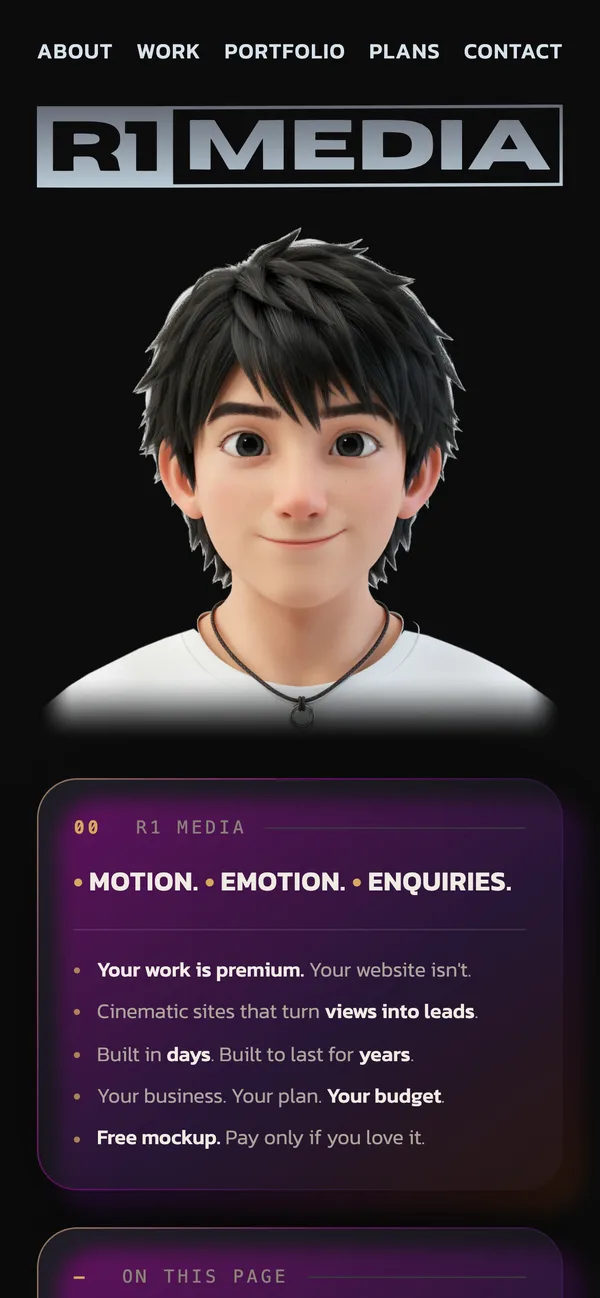
R1 MEDIA
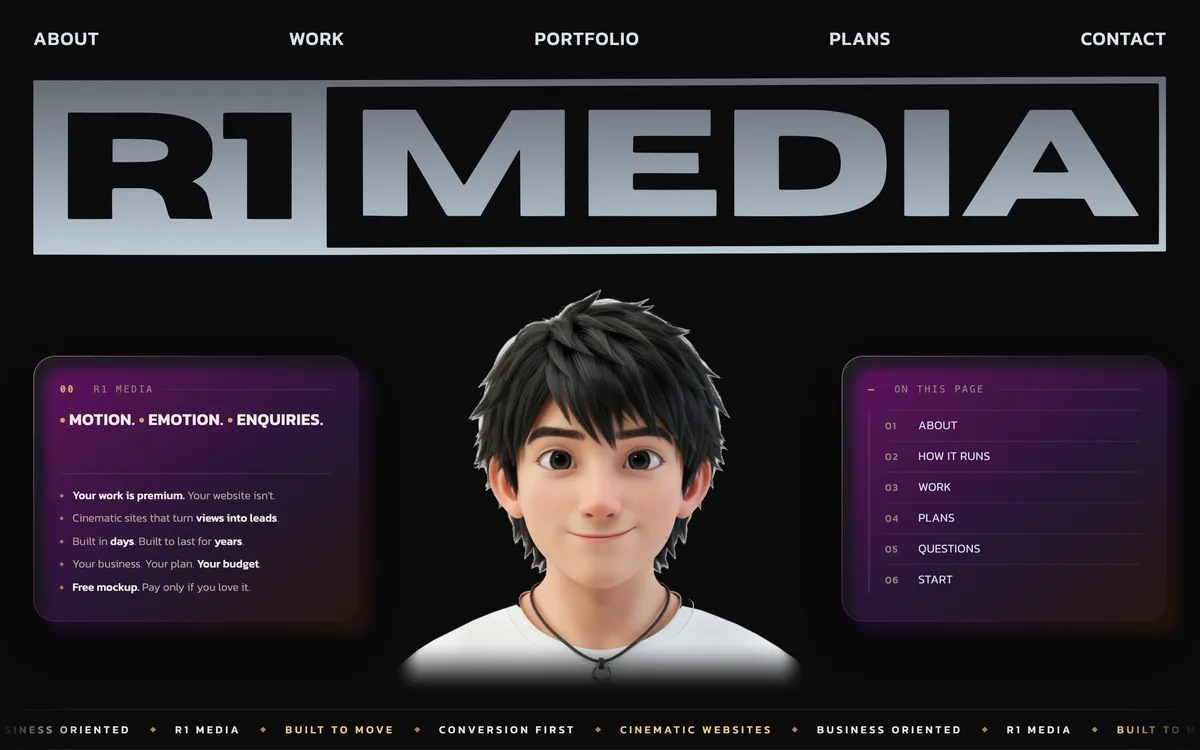
r1-media.com, the studio’s own website.
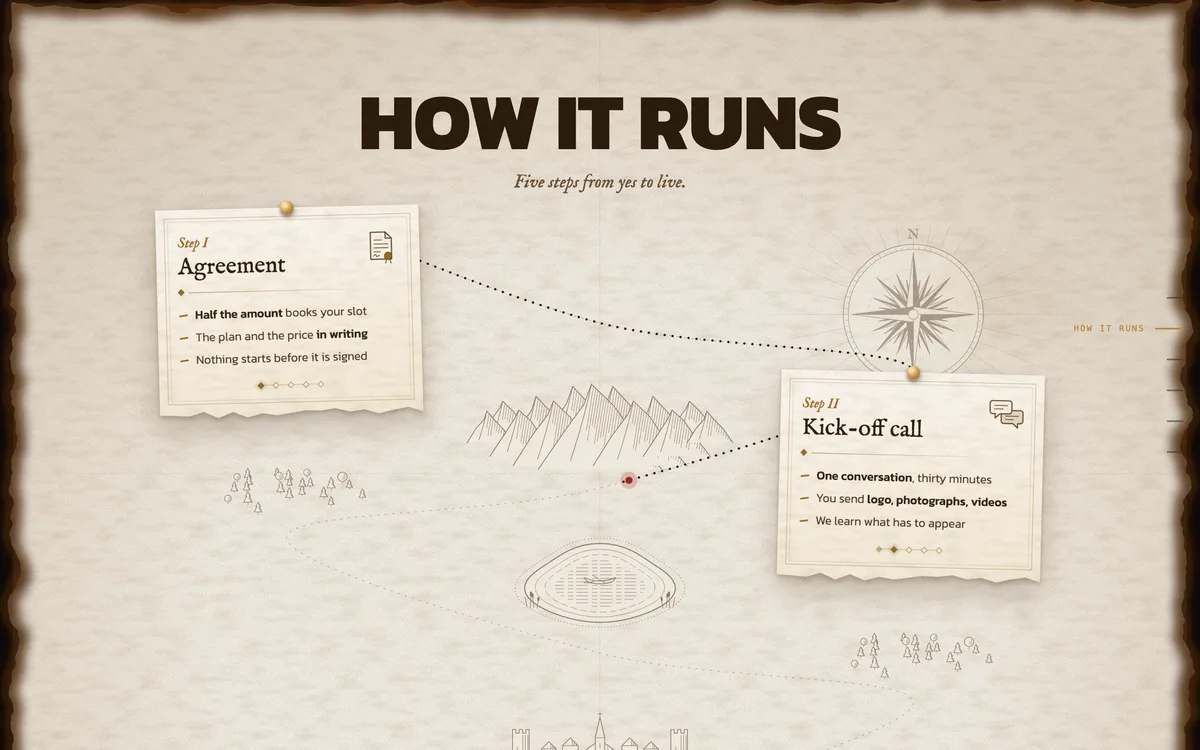
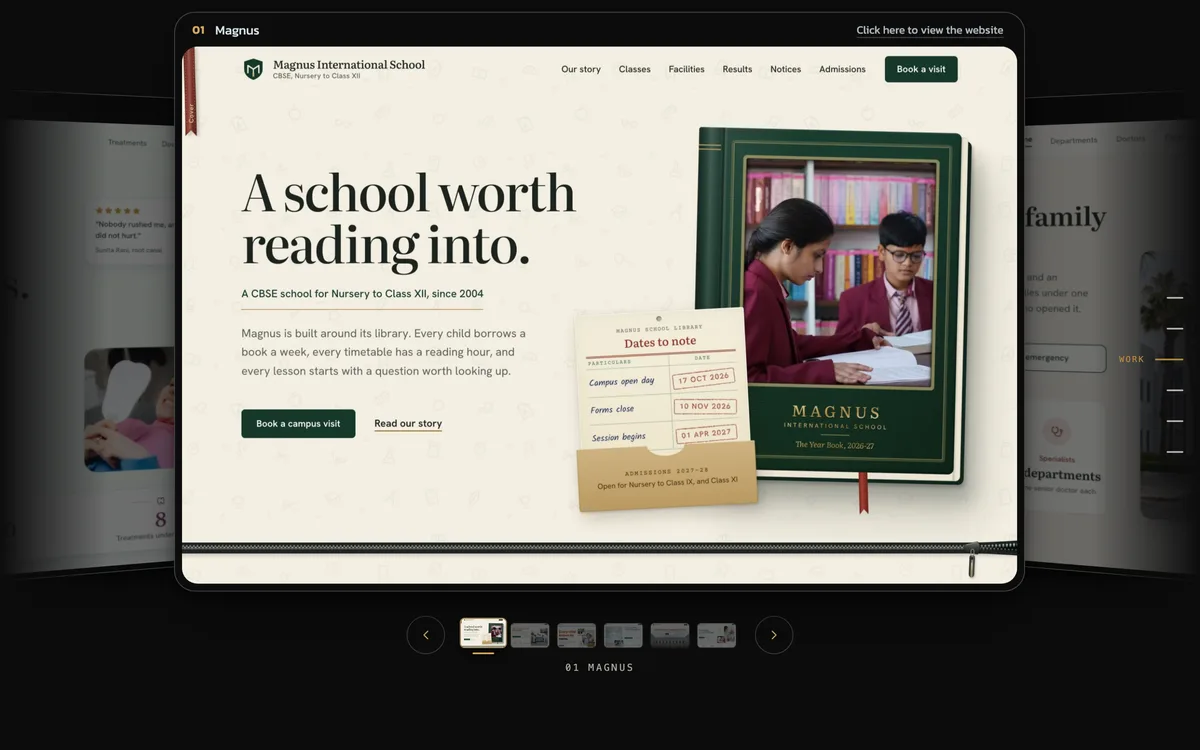
A dark, cinematic site that shows what we mean by motion. It opens on our mark, walks through a project on an old traveller’s map, slides through our work in 3D and ends on a three-field form.
- Built for
- Project enquiries on WhatsApp
- Shown here
- 5 sections and the phone view
- Loads in
- 2.5 s on a slow phone, 1.1 s on a laptop
- Live at
- r1-media.com
How it runs
(Illustrated process map)- Five matching notes pinned along a route.
- The route draws itself as the reader scrolls.
Work
(3D project carousel)- Each project slides sideways in 3D.
- Swipe, use the arrows, or tap a small picture.
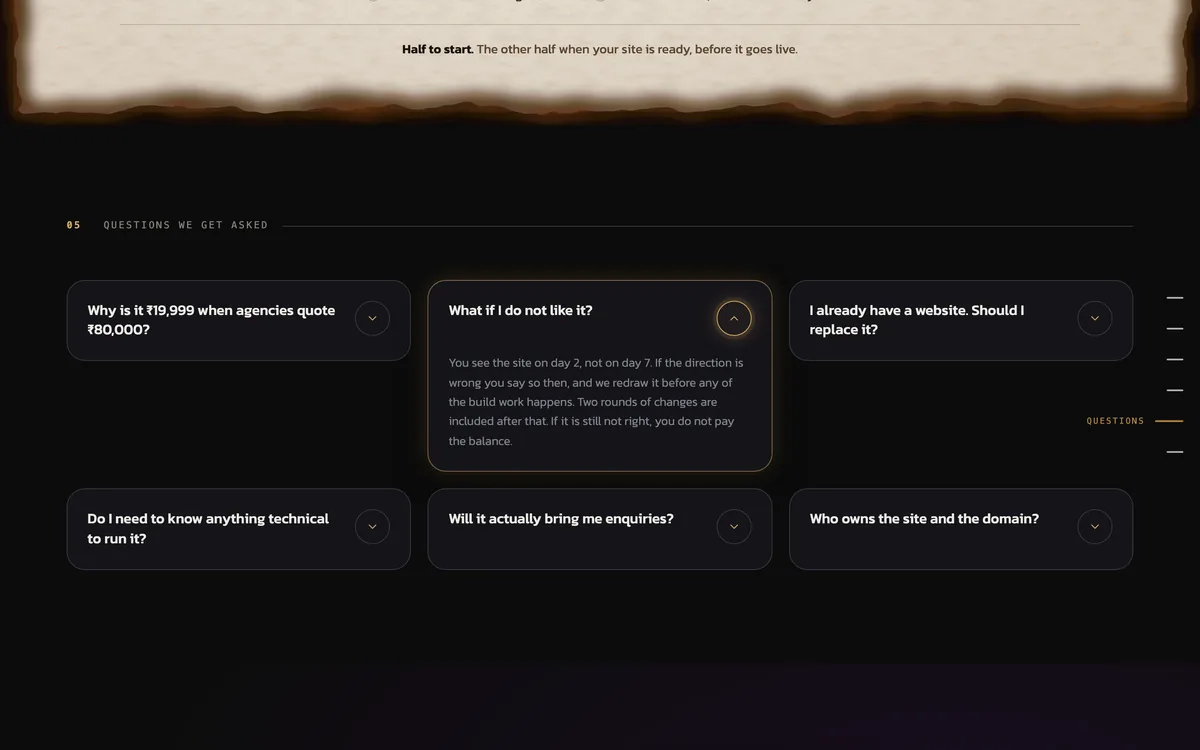
Questions
(Fold-out answers)- Six questions owners ask, answered plainly.
- Each card opens in place to keep it short.
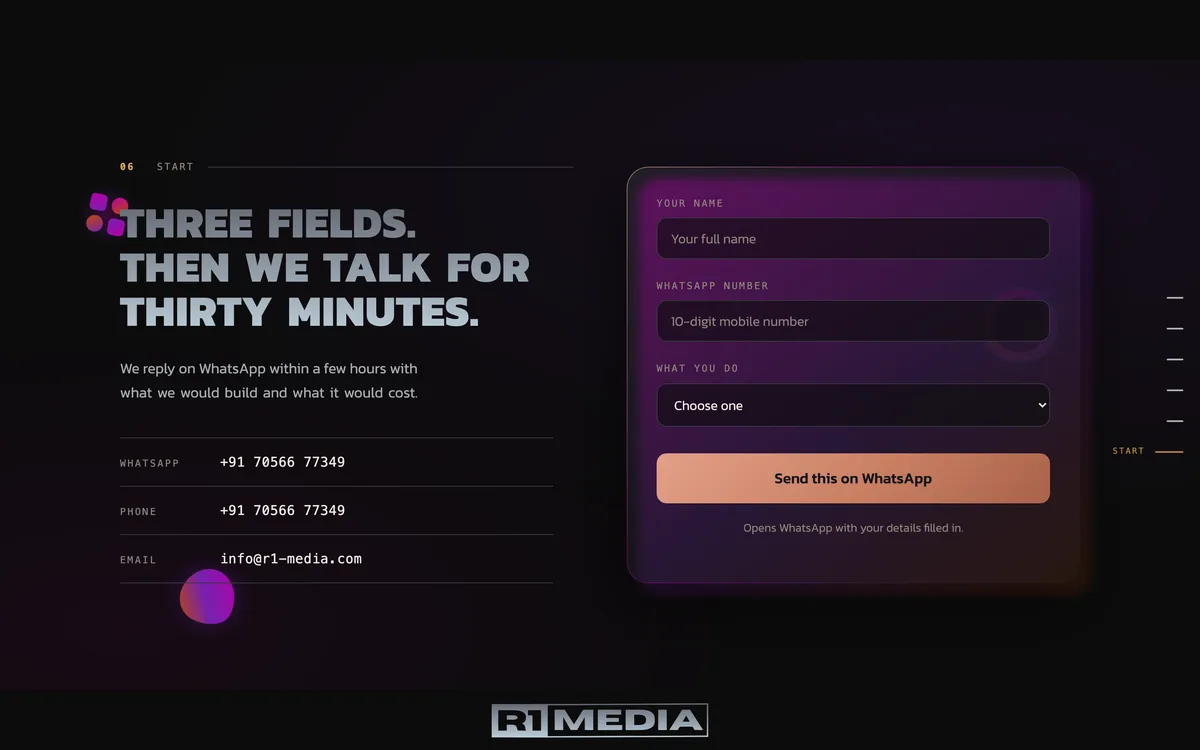
Start a project
(Three-field enquiry form)- Name, number and what you do: three fields.
- It opens WhatsApp with the details filled in.
What every site includes.
Designed from scratch
- No template is ever used.
- Drawn around your story.
Built for enquiries
- One clear action per page.
- WhatsApp, call or a form.
Fast on phones
- Made for the phone first.
- Timed on a slow network.
Two rounds of changes
- You mark what is wrong.
- We fix it before launch.
30 days of free fixes
- Counted from launch day.
- Updates are included too.
Yours to own
- Domain is in your name.
- The files are yours too.
How fast each site loads.
Each live site, timed in October 2026 until its main content shows. Every figure is the middle of three runs.
Bar: a slow phone. Right: a laptop. Dashed line: Google’s “good” line, 2.5 s.
- The dashed lineGoogle calls a page fast under 2.5 seconds.
- Nothing jumpsLayouts moved under 0.01 while loading.
- A hard testA slow 4G phone, not office broadband.
Five steps from yes to live.
Agreement
- Plan and price in writing.
- Half the fee books a slot.
- Nothing starts unsigned.
Kick-off call
- One call, thirty minutes.
- You send logo and photos.
- We learn what must appear.
First look
- You see the design early.
- Not right? We redraw it.
- Changing course is free.
Two rounds
- You mark what is wrong.
- We fix each point, twice.
- Then it is ready to go.
Live
- Domain is in your name.
- A 15-minute video tour.
- Thirty days of free fixes.
Live in 10 to 20 days
- From the kick-off call.
- Date agreed in writing.
- Depends on your plan.
Let’s build yours.
Write to us and we will book a 15-minute video call.